| Product Title (Ultra-Short) | USB-C to DP MST Hub |
|---|
| Product Title (Short) | USB-C to 2x DP Multi Monitor Adapter MST |
|---|
| Product Title (Medium) | 2-Port USB-C to DisplayPort MST Hub - 4K 30Hz - Dual-Monitor Splitter |
|---|
| Product Title (Standard) | USB-C to Dual DisplayPort 1.2 Adapter, USB Type-C Multi-Monitor MST Hub, Dual 4K 30Hz DP Display Extender/Splitter, Windows |
|---|
| Product Title (Long) | USB-C to Dual DisplayPort 1.2 Adapter, USB Type-C Multi-Monitor MST Hub, Dual 4K 30Hz/1080p 60Hz DP Laptop Display Extender / Splitter, Extra-Long Built-In Cable - Windows Only |
|---|
| Product Title (AMZ) | USB-C to Dual DisplayPort 1.2 Adapter, USB Type-C Multi-Monitor MST Hub, Dual 4K 30Hz/1080p 60Hz DP Laptop Display Extender / Splitter, Extra-Long Built-In Cable, Windows (MSTCDP122DP) |
|---|
| Title Ingram (Part 1) | USB-C to DisplayPort MST Hub |
|---|
| Title Ingram (Part 2) | 2-Port - 4K 30Hz - Video Splitter |
|---|
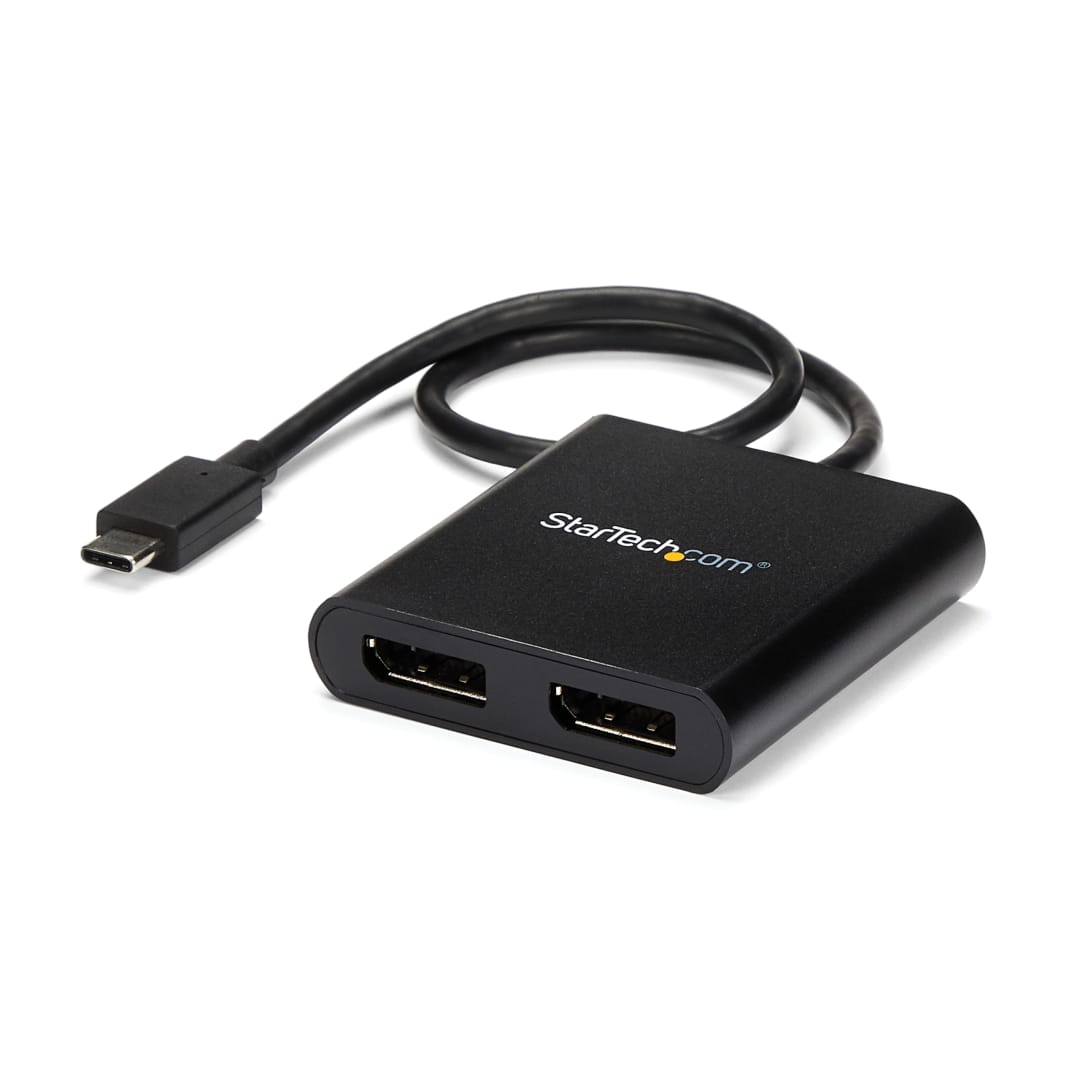
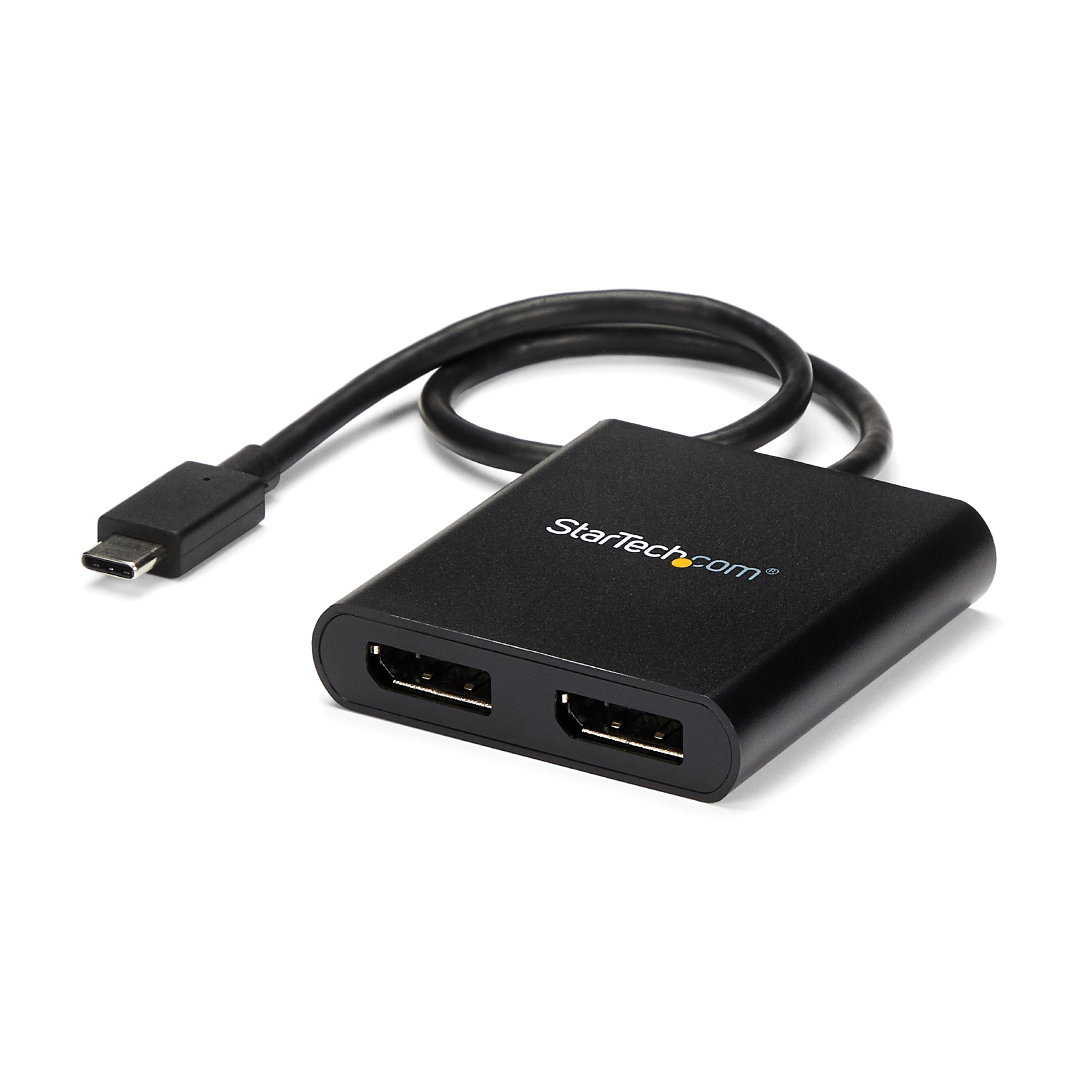
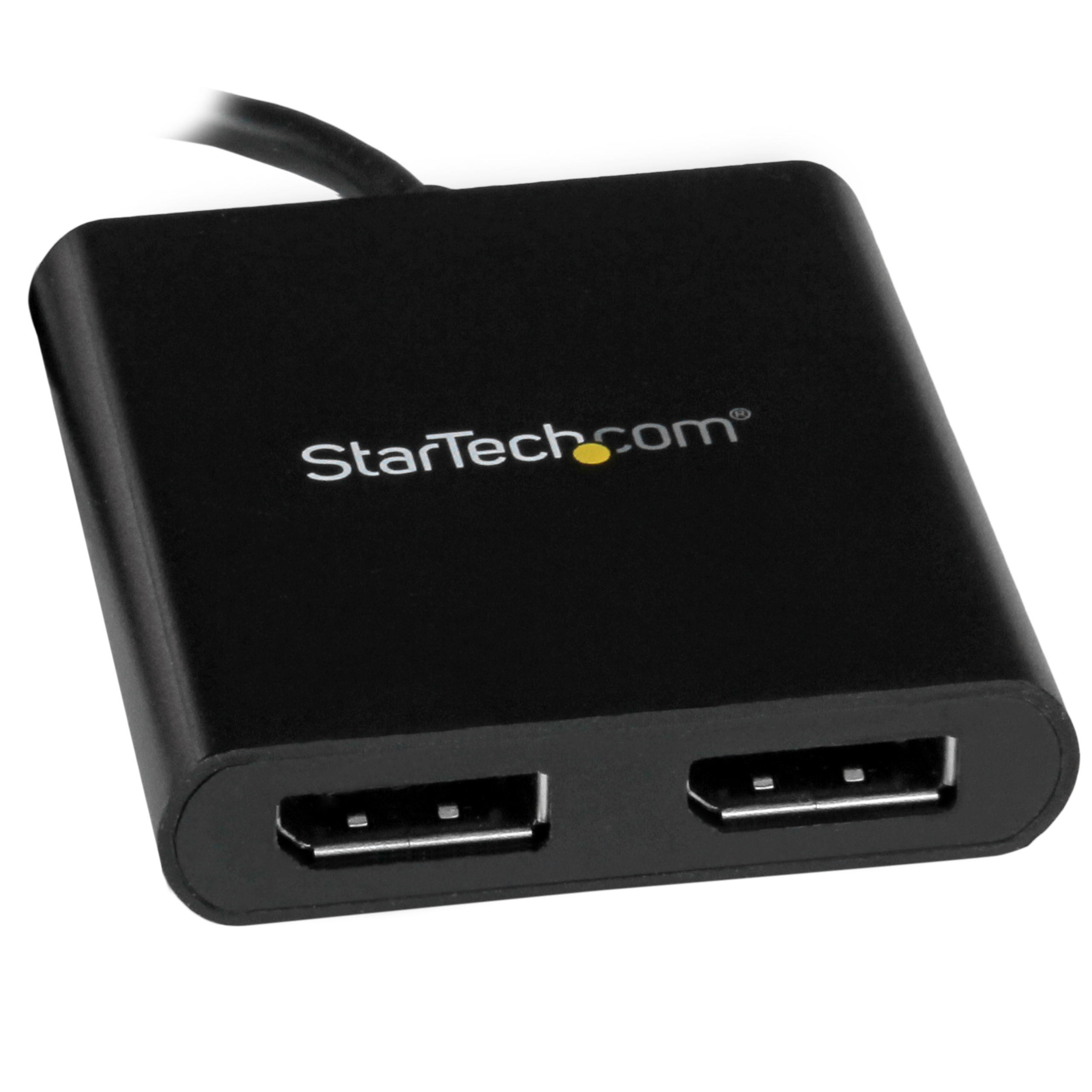
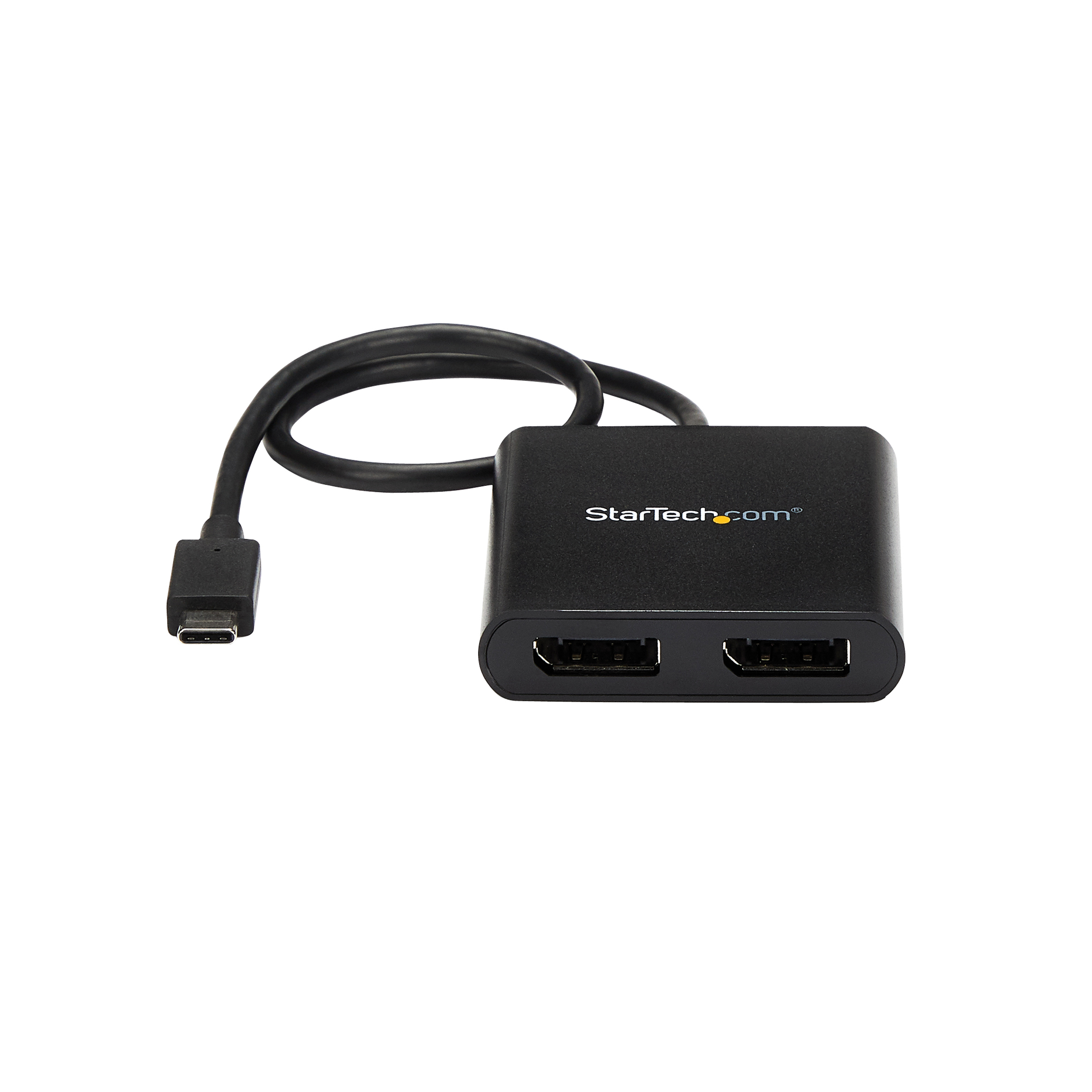
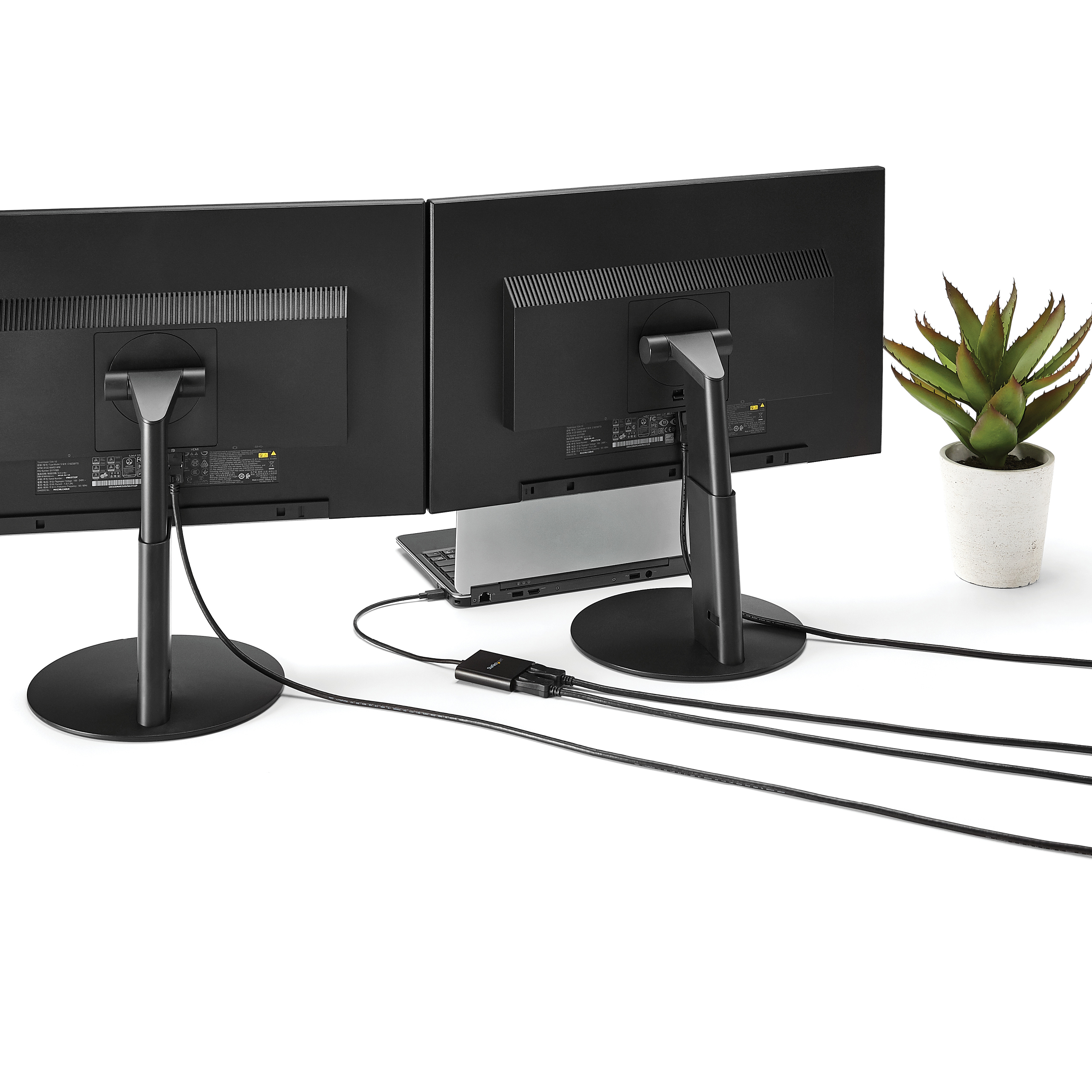
| Website Product Headline | Create a high-performance dual-display workstation by connecting a USB Type-C™ device to two independent DisplayPort™ monitors |
|---|
| Bullet 1 | MULTI-MONITOR CONFIGURATION: USB Type-C to Dual DisplayPort adapter/splitter drives up to 2x 4K 30Hz or 2x 1080p 60Hz DP monitors using a USB-C DP Alt-Mode port on Windows laptops; TB3/TB4/USB4 Compatible; Not compatible with macOS |
|---|
| Bullet 2 | NO DRIVERS OR SOFTWARE: Increase productivity by adding two extended or mirrored displays to a Windows laptop; Utilize integrated or discrete GPU (Intel/AMD/Nvidia) capabilities enabling high performance graphics with minimal CPU usage |
|---|
| Bullet 3 | HARDWARE COMPATIBILITY: Host system must support DP Alt Mode 1.2 / HBR2 / MST; Please verify maximum number of displays supported by your GPU; Some GPU chips (such as Intel HD Graphics) are only capable of supporting a maximum of three displays |
|---|
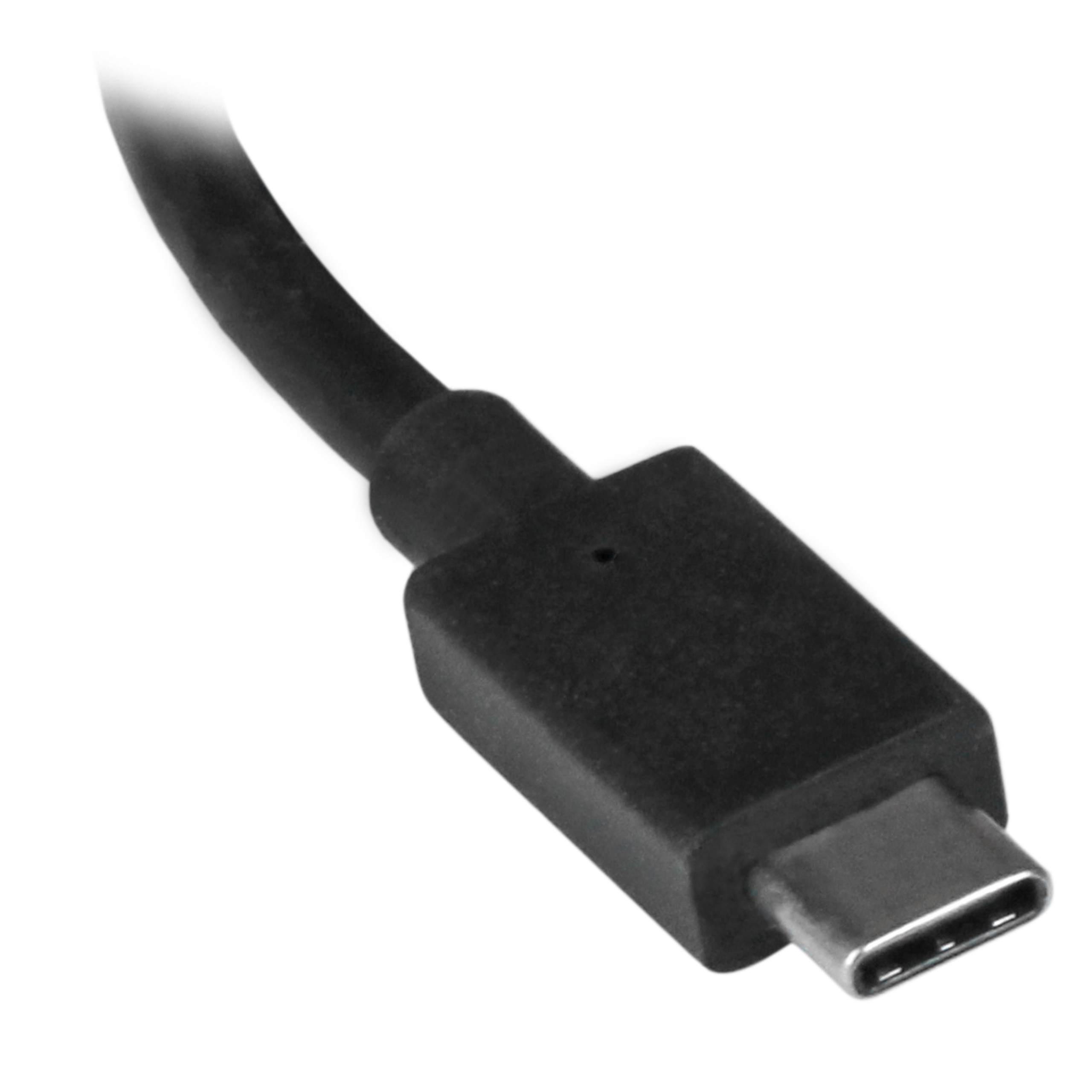
| Bullet 4 | EXTRA-LONG CABLE: 1ft (30 cm) built-in cable for extended reach reduces USBC port/connector strain on 2-in-1 devices like Surface Pro 7, HP Elite x2/laptops on riser stands; Ideal for on-the-go travel use in office/home office/shared workspaces |
|---|
| Bullet 5 | OUR ADVANTAGE: Included connectivity tools for IT Pro's and IT help-desk support teams with Windows Layout Utility which restores windows app locations when re-connecting the USBC to Dual DisplayPort Adapter |
|---|
| Bullets (Compact) | USB Type-C Multi-Monitor adapter drives dual 4K 30Hz or 1080p 60Hz DisplayPort displays in extended/mirrored mode; DP 1.2/HBR2 MST Hub / Splitter; TB3/TB4/USB4 Compatible; Extra-long 1ft cable reduces USBC connector strain; Windows Only/No drivers |
|---|
| Bullets (Consolidated) | USB Type-C Multi-Monitor adapter works with USB-C DP Alt-mode Windows laptops to connect up to 2 independent displays in extended/mirrored mode - Dual 4K 30Hz or Dual 1080p 60Hz MST Hub | Compatible with Thunderbolt 3/4 USB4 - Host system must support DP 1.2/HBR2 - Extra-long 1ft cable reduces USBC connector strain - Please verify maximum number of displays supported by your GPU - Windows Layout Utility included which restores windows app locations - Windows only | No drivers |
|---|
| Marketing Copy | |
|---|
| Marketing Copy (No HTML) | |
|---|
| Applications | - Extend your desktop onto additional monitors or displays
- Create dynamic digital signage with a panoramic video wall
- Avoid side-scrolling by spanning across dual monitors
- Edit media across additional displays in any orientation
- Ideal for travel or hot-desking
|
|---|
| Website Search Keyword | - displayport mst hub
- dual displayport mst hub
- mst
- mst hub
- MST Hub - 2x DisplayPort - USB-C
- multi monitor set up
- multi-monitor
- usb c
- usb c displayport mst hub
- usb c dual displayport mst hub
- USB C MST Hub
- USB C to Displayport MST hub
- usb type c
- usb type-c
- USB_C MST hub - 2x DisplayPort output
- usb-c
- usb-c displayport mst hub
- usb-c dual displayport mst hub
- usb-c mst hub
- USB-C to MST 2x DisplayPort Hub
|
|---|