| Product Title (Ultra-Short) | MST Hub DP to 3xHDMI |
|---|
| Product Title (Short) | 3-Port DP to HDMI Multi Monitor Adapter |
|---|
| Product Title (Medium) | DisplayPort to HDMI Multi-Monitor Splitter - 3-Port MST Hub |
|---|
| Product Title (Standard) | 3-Port Multi Monitor Adapter, DisplayPort to 3x HDMI MST Hub, Triple 1080p, Video Splitter for Extended Desktop Mode, Windows |
|---|
| Product Title (Long) | 3-Port Multi Monitor Adapter - DisplayPort 1.2 to 3x HDMI MST Hub - Triple 1080p HDMI Monitors - Video Splitter for Extended Desktop Mode on Windows PCs Only - DP to 3x HDMI |
|---|
| Product Title (AMZ) | 3-Port Multi Monitor Adapter - DisplayPort 1.2 to 3x HDMI MST Hub - Triple 1080p HDMI Monitors - Extended or Cloned Display mode - Windows PCs Only - DP to 3x HDMI Splitter (MSTDP123HD) |
|---|
| Title Ingram (Part 1) | DP to HDMI Multi Monitor Hub - |
|---|
| Title Ingram (Part 2) | 3-port DisplayPort - DP to HDMI |
|---|
| Website Product Headline | Use this adapter to connect three independent displays to a single DP 1.2 port |
|---|
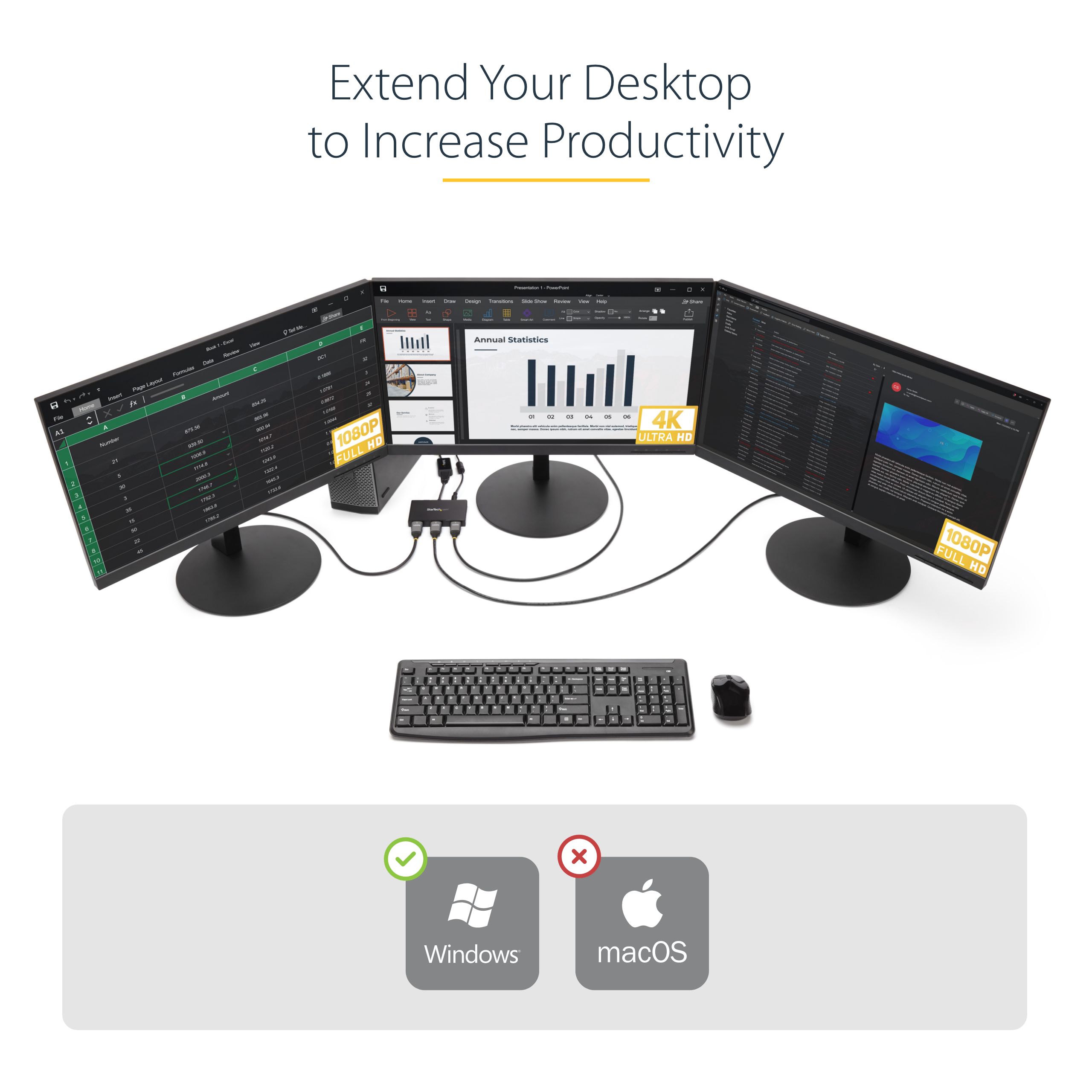
| Bullet 1 | MULTI MONITOR ADAPTER FOR WINDOWS: DisplayPort to HDMI MST hub drives up to 3x HDMI monitors in extended or duplicate mode using a DP port on Windows desktop PCs or laptops | Not compatible with macOS |
|---|
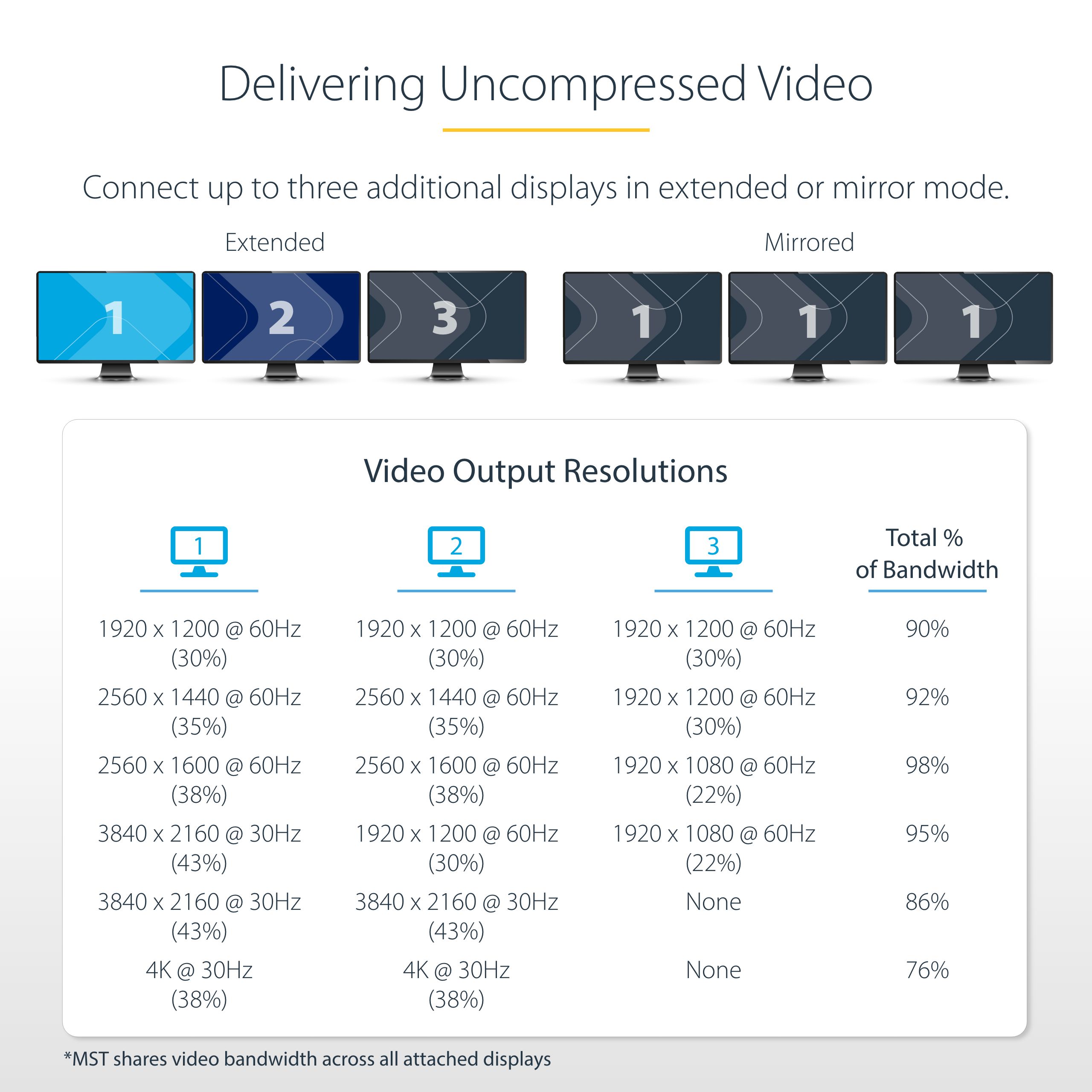
| Bullet 2 | DISPLAY RESOLUTION: Multiple monitor DisplayPort to HDMI MST hub supports HD resolutions up to 3x 1080p 60Hz on three monitors, or dual 4K 30Hz on two monitors, or can support three ultrawide displays up to 2560x1080 |
|---|
| Bullet 3 | COMPATIBILITY: 3-Port DisplayPort to HDMI MST video splitter requires host system with DP 1.2/HBR2/MST or later from HP, Dell & Lenovo and AMD, NVidia & Intel video cards; Not compatible with laptops/computers with HDMI output ports |
|---|
| Bullet 4 | INCREASE PRODUCTIVITY: Increase productivity by extending your desktop at your workstation in the office/home office; MST technology uses your GPU/video card performance to deliver uncompressed video and use minimal system resources |
|---|
| Bullet 5 | GPU CAPABILITIES: Please verify maximum number of displays supported by your GPU; Some GPU chips (such as Intel HD Graphics) are only capable of supporting a maximum of three displays (laptop screen may be disabled when connected to three monitors) |
|---|
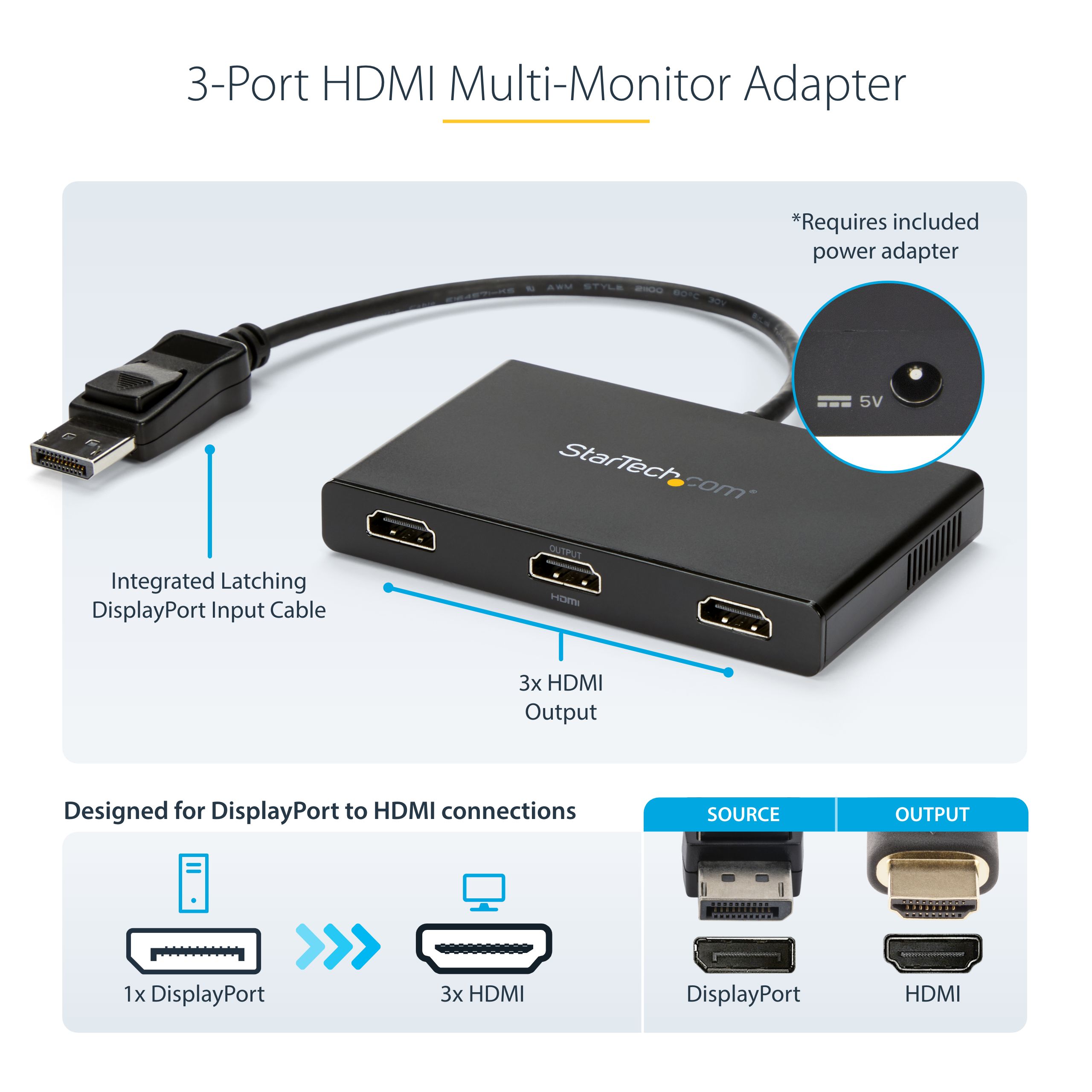
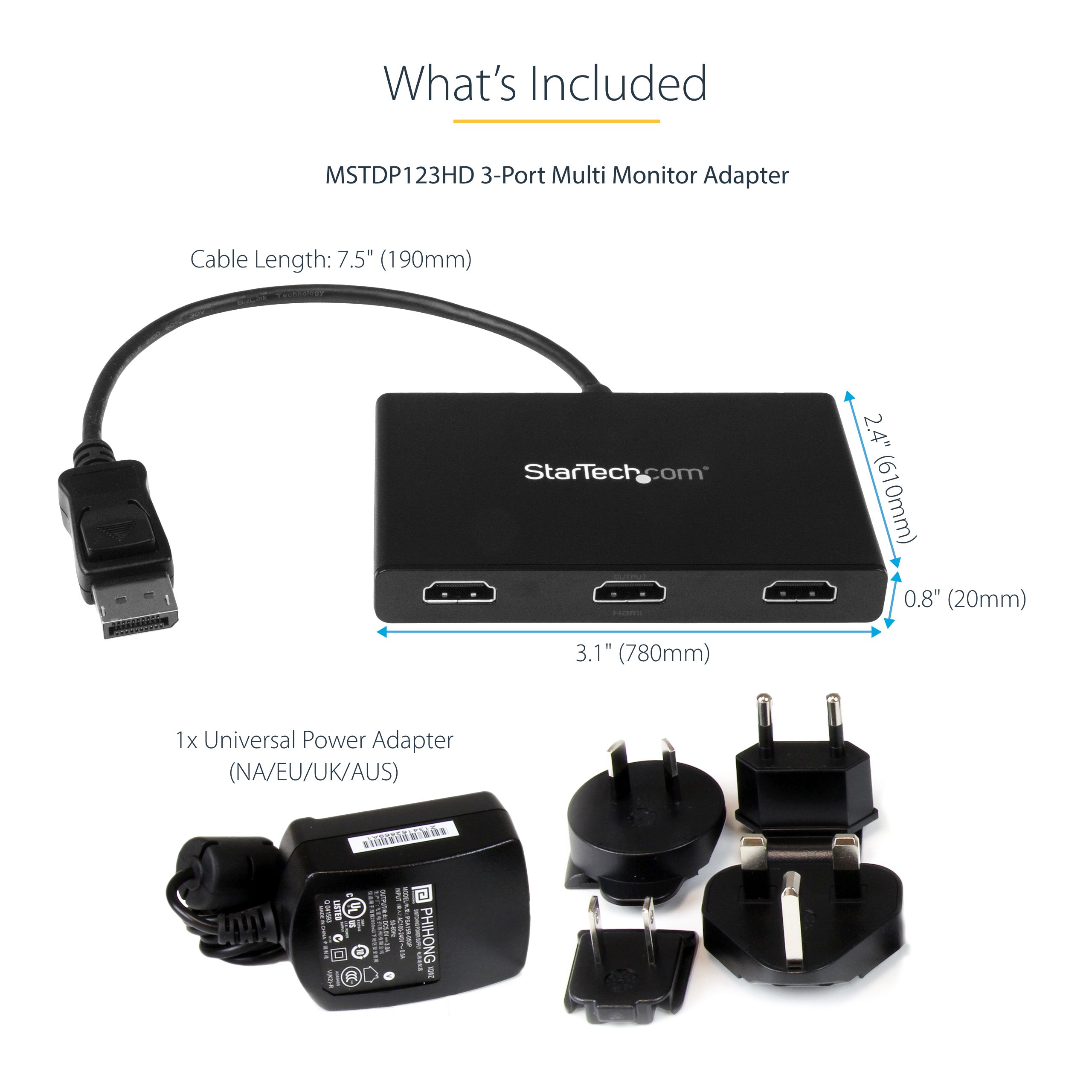
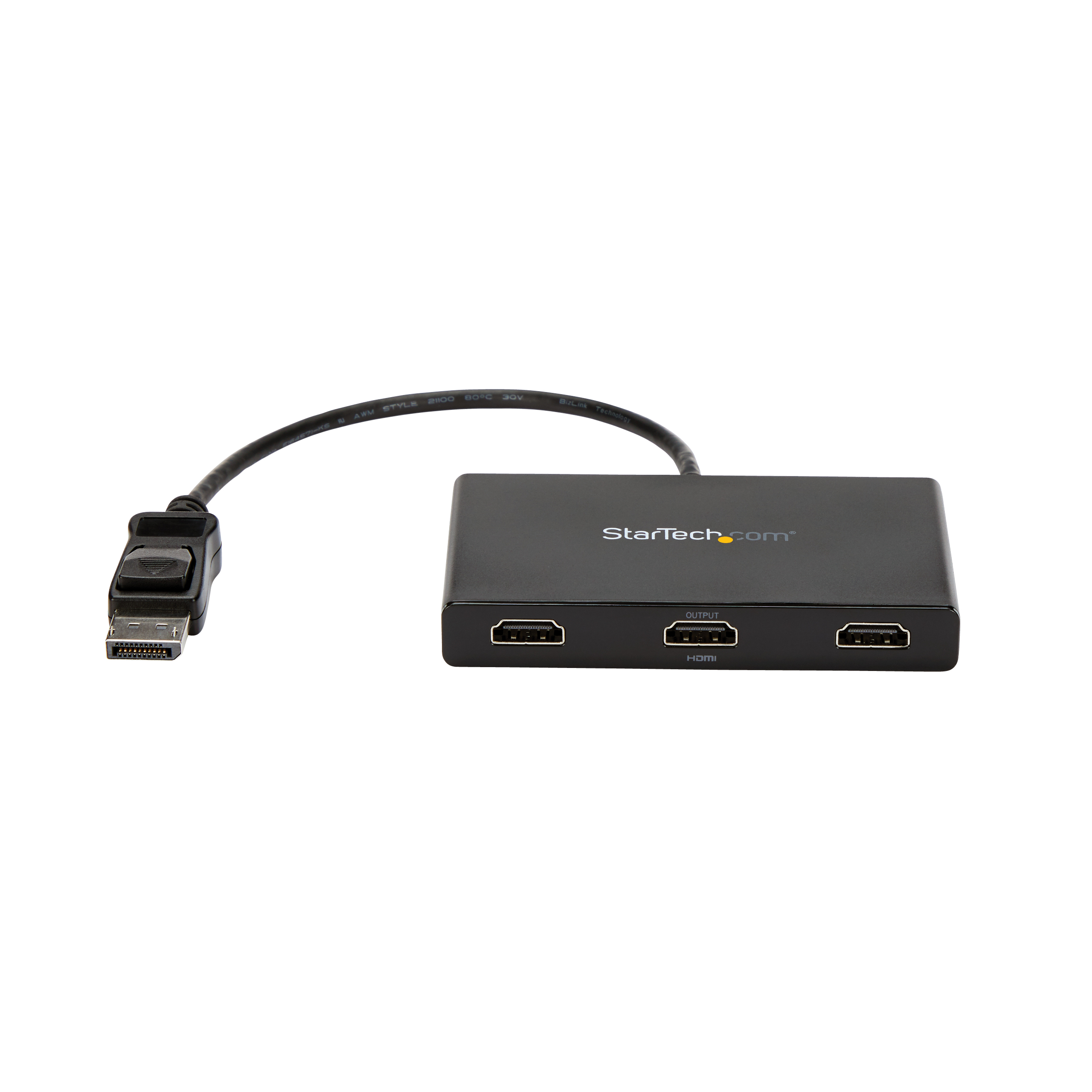
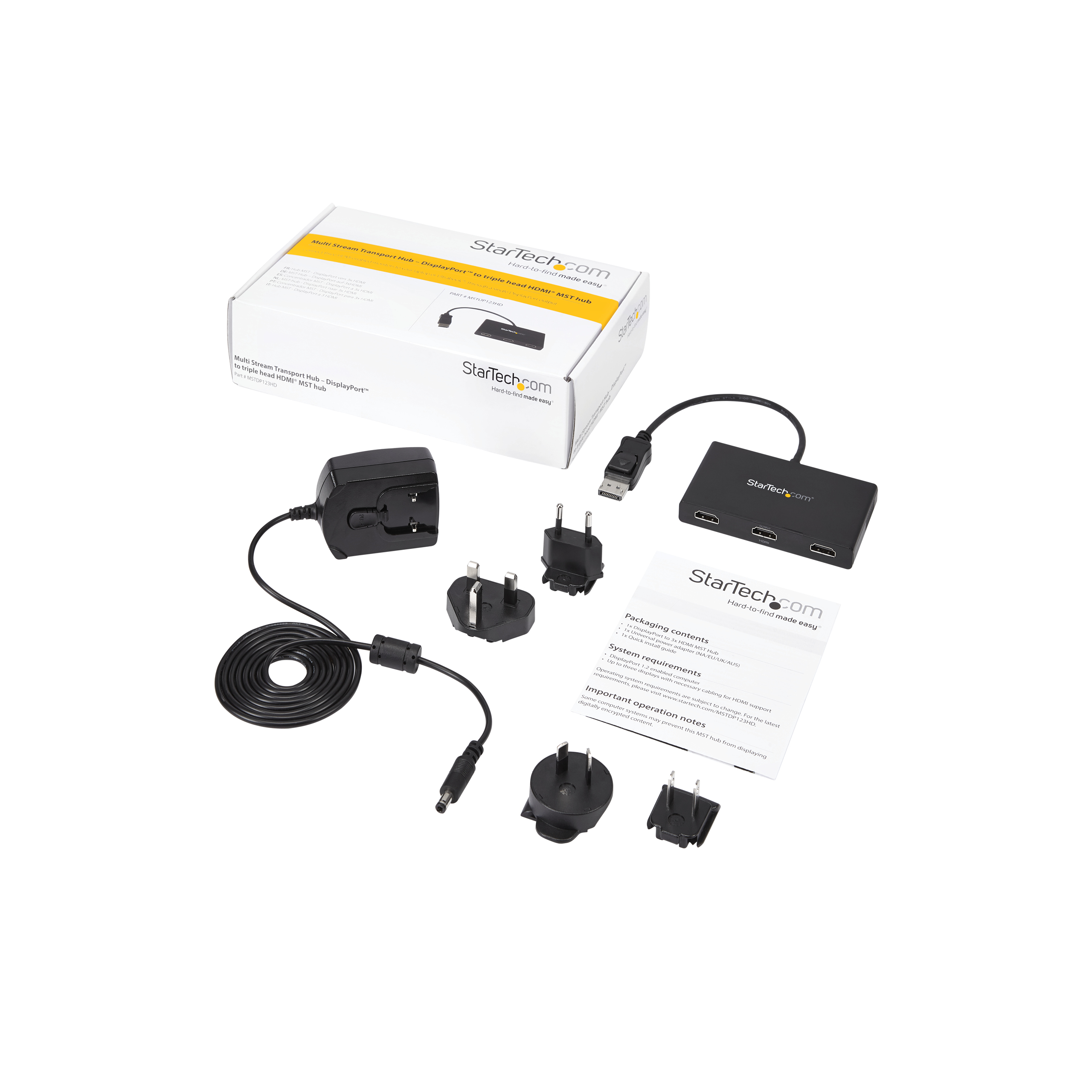
| Bullets (Compact) | 3-port DisplayPort to HDMI multi-monitor adapter drives 3x 1080p 60Hz or 2x 4K 30Hz HDMI displays to extend desktop - DP 1.2/HBR2/MST (multi stream transport) - Built-in DP cable - MST Hub/video splitter w/latching DP connector - No Drivers - Windows |
|---|
| Bullets (Consolidated) | 3-Port DisplayPort to HDMI multi-monitor adapter drives 3x 1080p 60Hz or dual 4K 30Hz HDMI displays w/ no video compression - MST hub/video splitter for multiple monitors increases productivity by extending your desktop - Triple monitor Multi Stream Transport hub works w/ computer brands HP Dell Lenovo AMD/Nvidia/Intel video cards | Supports laptops/desktop PCs or graphics cards w/ DP 1.2 (MST/HBR2) - No drivers; Works w/ Windows - Latching DP connector; Built-in video cable; AC power adapter |
|---|
| Marketing Copy | |
|---|
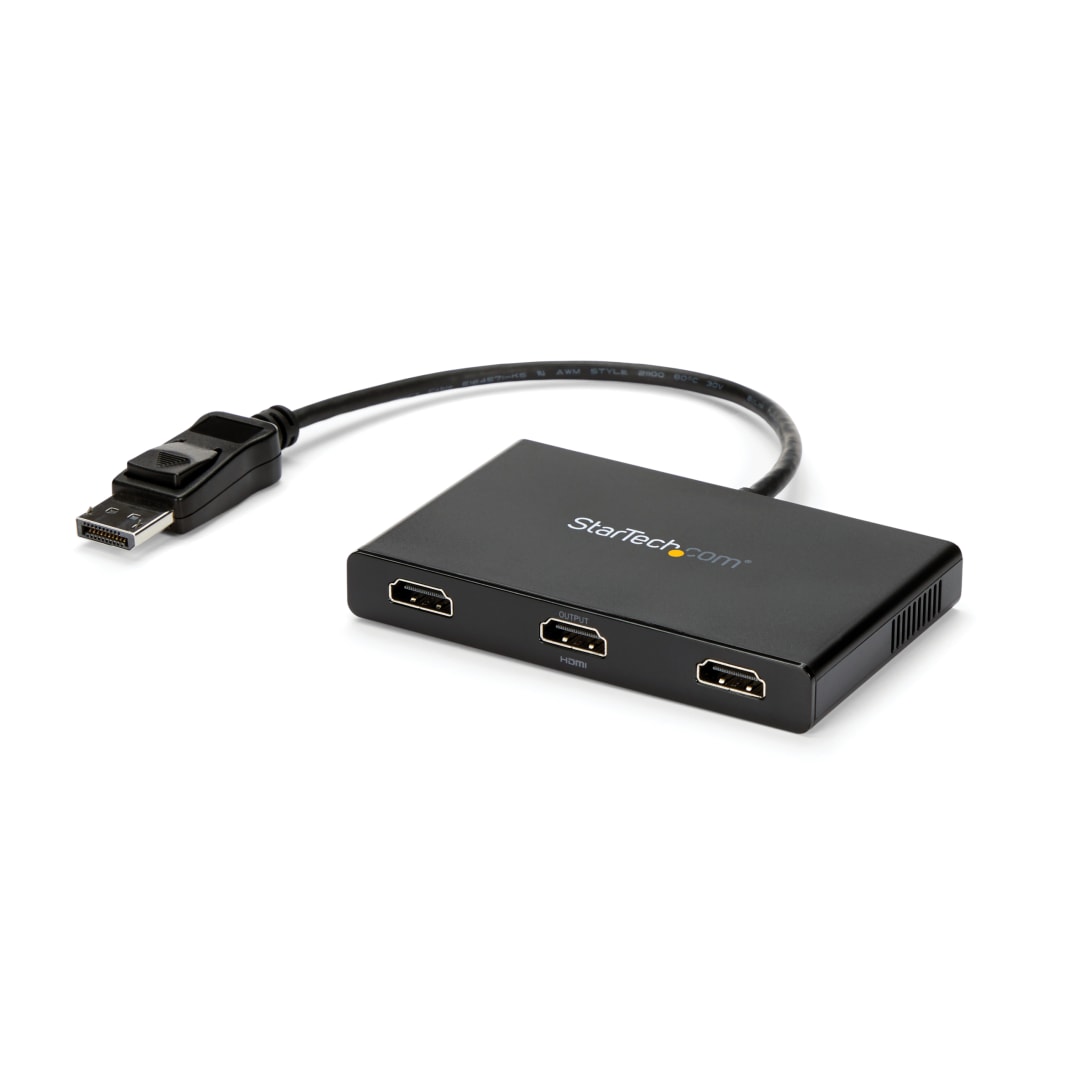
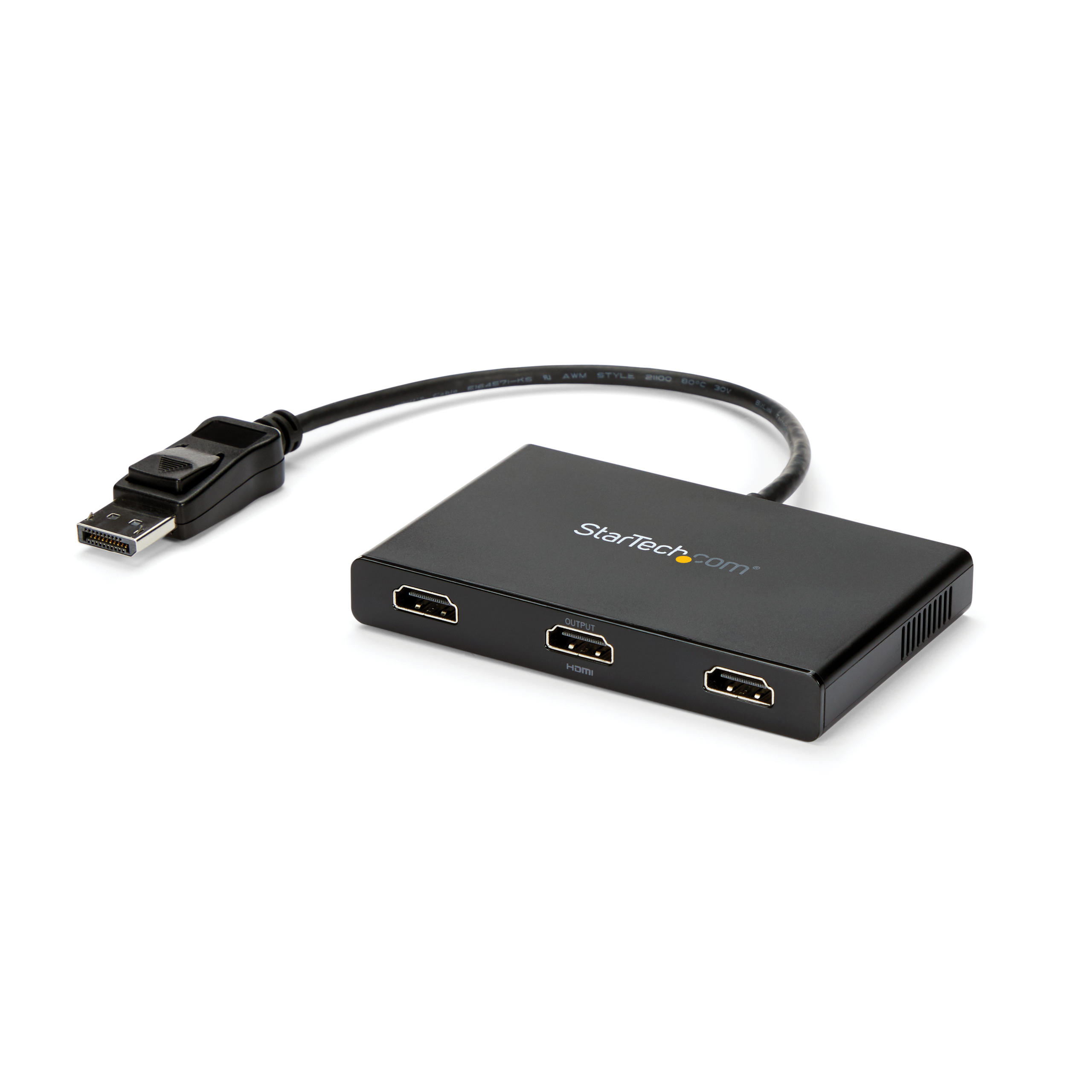
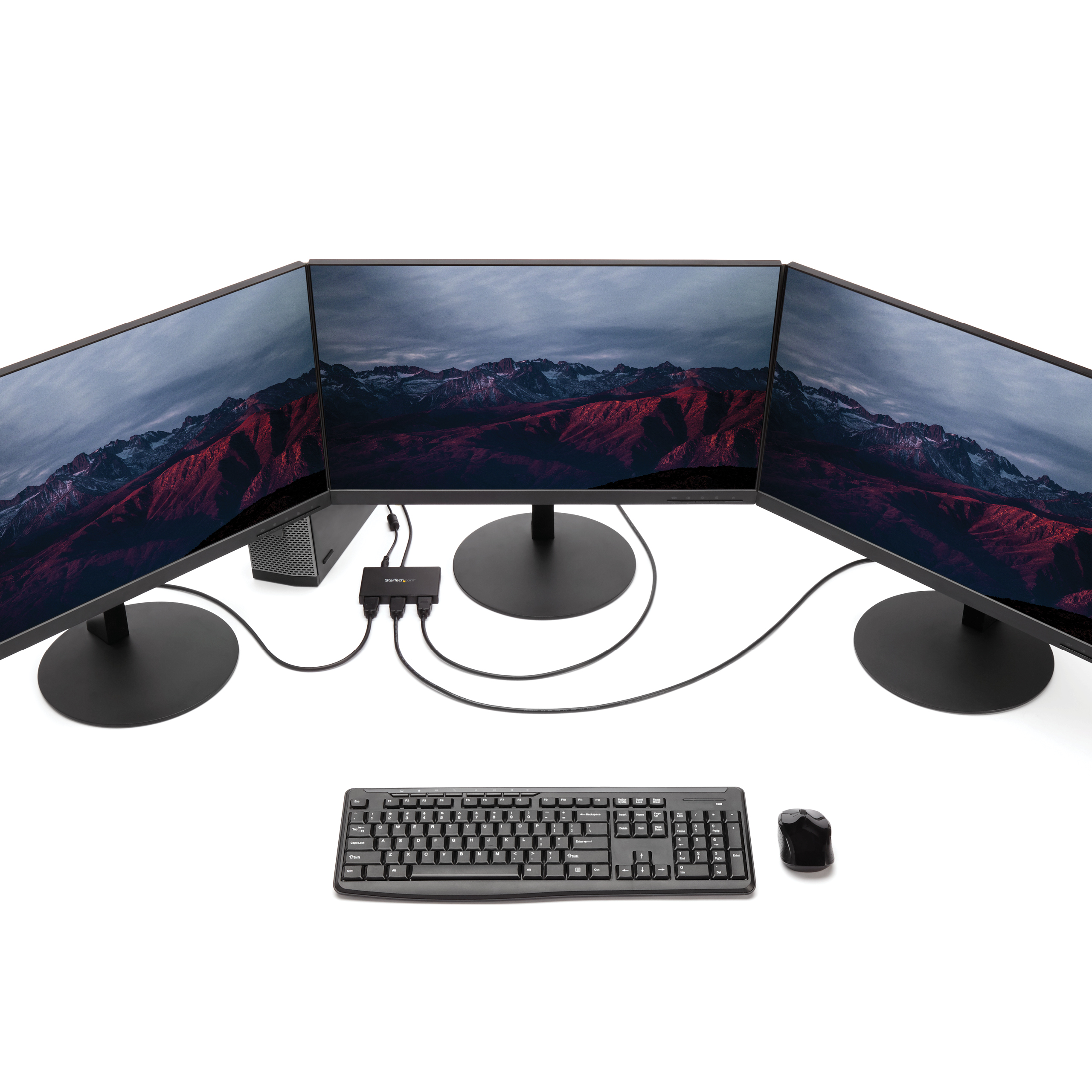
| Marketing Copy (No HTML) | This MST hub lets you connect three HDMI monitors to your DisplayPort (DP) 1.2 equipped Windows laptop or desktop.
Increase productivity with multiple screens
The newest generations of computers are more portable than ever, which often means that you're left with fewer video outputs and smaller integrated screens. This MST hub solves both of these problems by letting you connect three additional displays to your computer, which makes multitasking much easier.
Configure your displays for any environment
Using the MST hub, you can extend your desktop onto additional monitors and stream independent content to each display. You can also mirror the same image onto multiple HDMI televisions or projectors, for remote viewing applications such as digital signage.
Enjoy amazing video quality without draining system resources
MST technology uses your existing video card to minimize the use of system resources while delivering Ultra HD 4K resolutions. This unprecedented performance makes MST perfect for high-resolution applications such as graphic design, gaming and medical imaging.
Note: When using a DisplayPort 1.1 video card the MSTDP123HD acts as a splitter, automatically mirroring your video source across all displays. Resolution limitations apply.
The MSTDP123HD supports plug-and-play installation for a hassle-free setup, and is backed by a StarTech.com 3-year warranty and free lifetime technical support. |
|---|
| Applications | - Use one screen for reference data such as websites, while composing in another screen
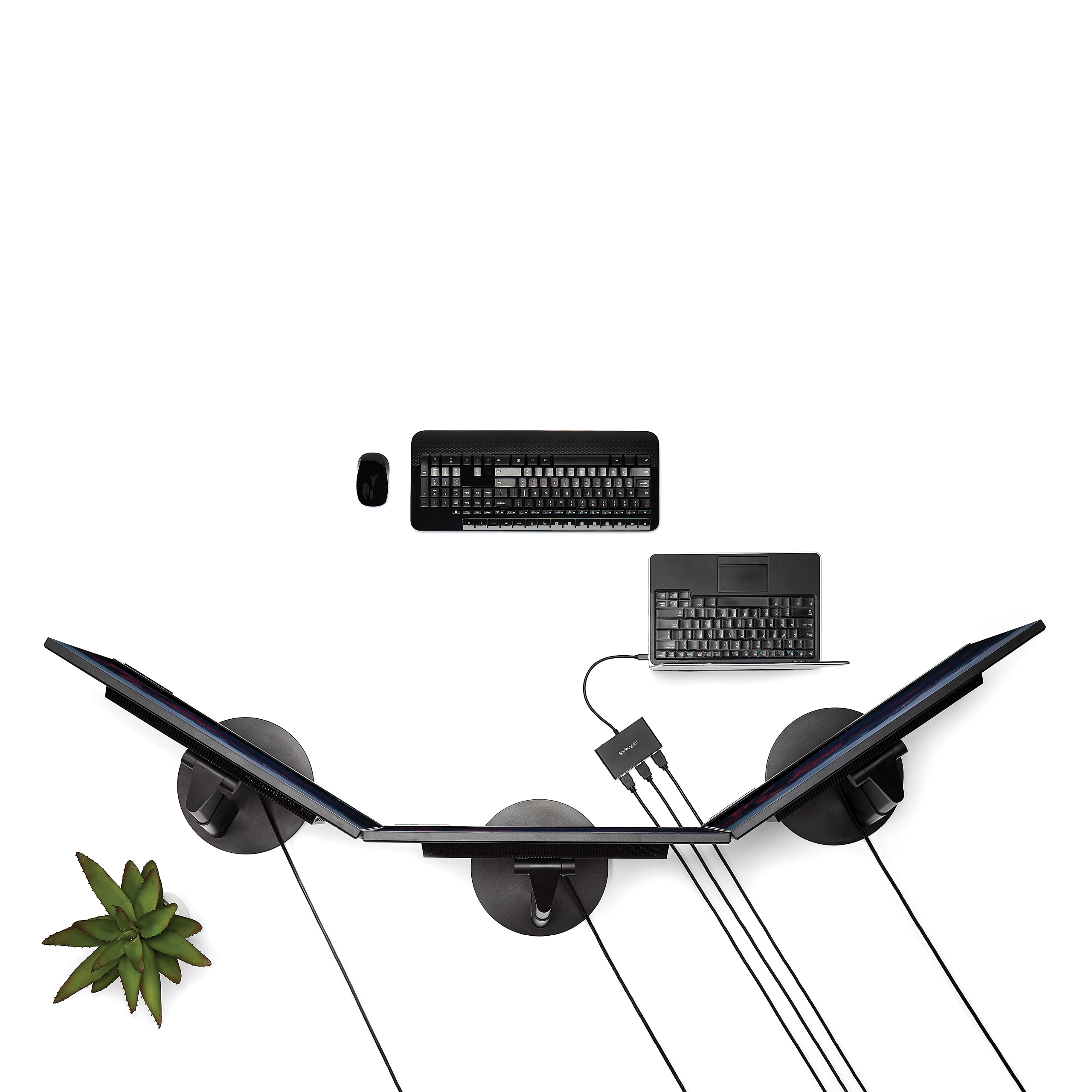
- Dock your DP 1.2 device and add three high-resolution displays at your workstation
- Create a panoramic video wall for HDMI digital signage applications using your DisplayPort computer
- Edit images, video or audio clips across three displays in any orientation or resolution
- Perfect for spanning a spreadsheet or worksheet across three displays, to avoid side-scrolling
- Enjoy the panoramic views built into games and display helpful codes and walk-through data on a third display, at the same time
|
|---|
| Website Search Keyword | - DisplayPort to HDMI Splitter
- DisplayPort to HDMI Desktop Extender
- External Multi-Display
- Multi-Display DisplayPort
- Matrox
- TripleHead2GO
- DualHead2GO
- Clone
- Mirror
- External DisplayPort Video Card
- Triple Monitor
- Dual Monitor DP to HDMI
- DP to HDMI
- Triple Head DisplayPort Graphics Expansion Module
- Graphics Expansion Module
- Desktop Expansion
- DisplayPort to HDMI
- B156-003-HD-V2
- B156-004-HD-V3
|
|---|