| Product Title (Ultra-Short) | MST Hub - 4x DP |
|---|
| Product Title (Short) | 4 Port DP Multi Monitor Adapter MST Hub |
|---|
| Product Title (Medium) | MST Hub – DisplayPort to 4x DisplayPort – Multi Stream Transport Hub – DP |
|---|
| Product Title (Standard) | 4-Port DisplayPort 1.2 Splitter, DisplayPort to 4x DP Multi-Monitor Adapter, Quad 1080p 60Hz Computer MST Hub, Windows Only |
|---|
| Product Title (Long) | 4-Port DisplayPort 1.2 Splitter, DisplayPort to 4x DP Multi-Monitor Adapter, Quad 1080p 60Hz Computer MST Hub - Windows Only, No Drivers |
|---|
| Product Title (AMZ) | 4-Port DisplayPort 1.2 Splitter, DisplayPort to 4x DP Multi-Monitor Adapter, Quad 1080p 60Hz Computer MST Hub, Windows Only, No Drivers (MSTDP124DP) |
|---|
| Title Ingram (Part 1) | DP to DP Multi Monitor Hub - |
|---|
| Title Ingram (Part 2) | 4-Port DisplayPort Splitter |
|---|
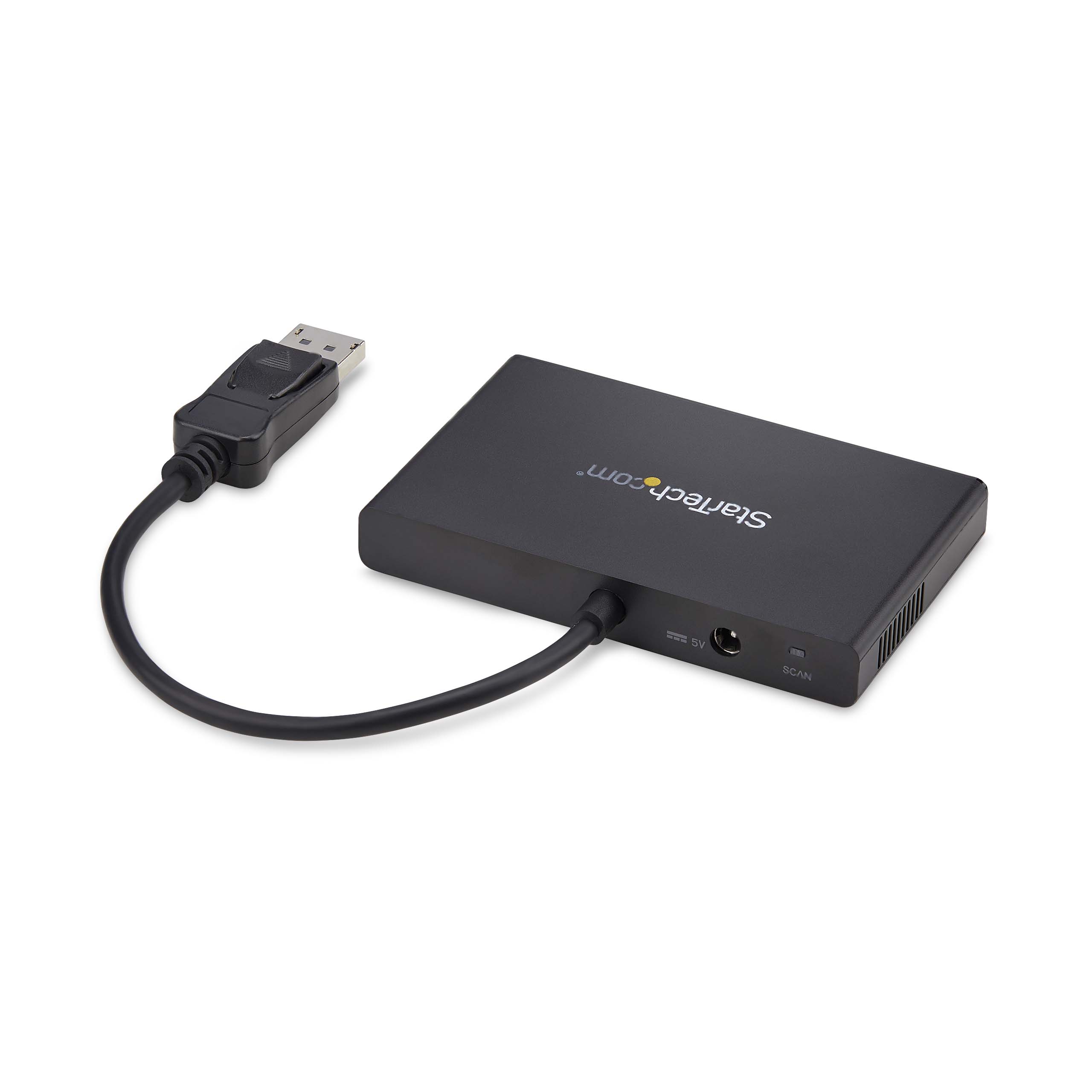
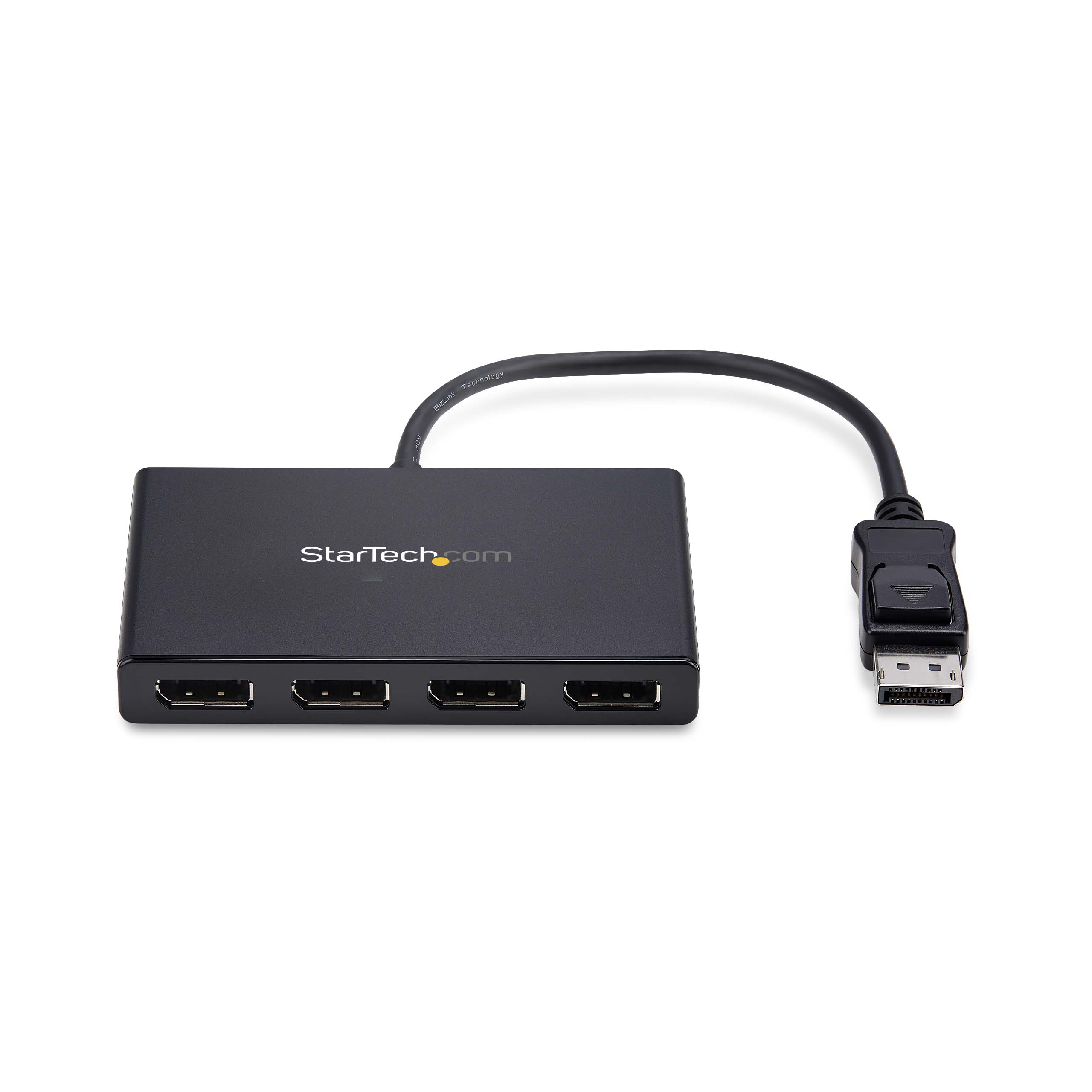
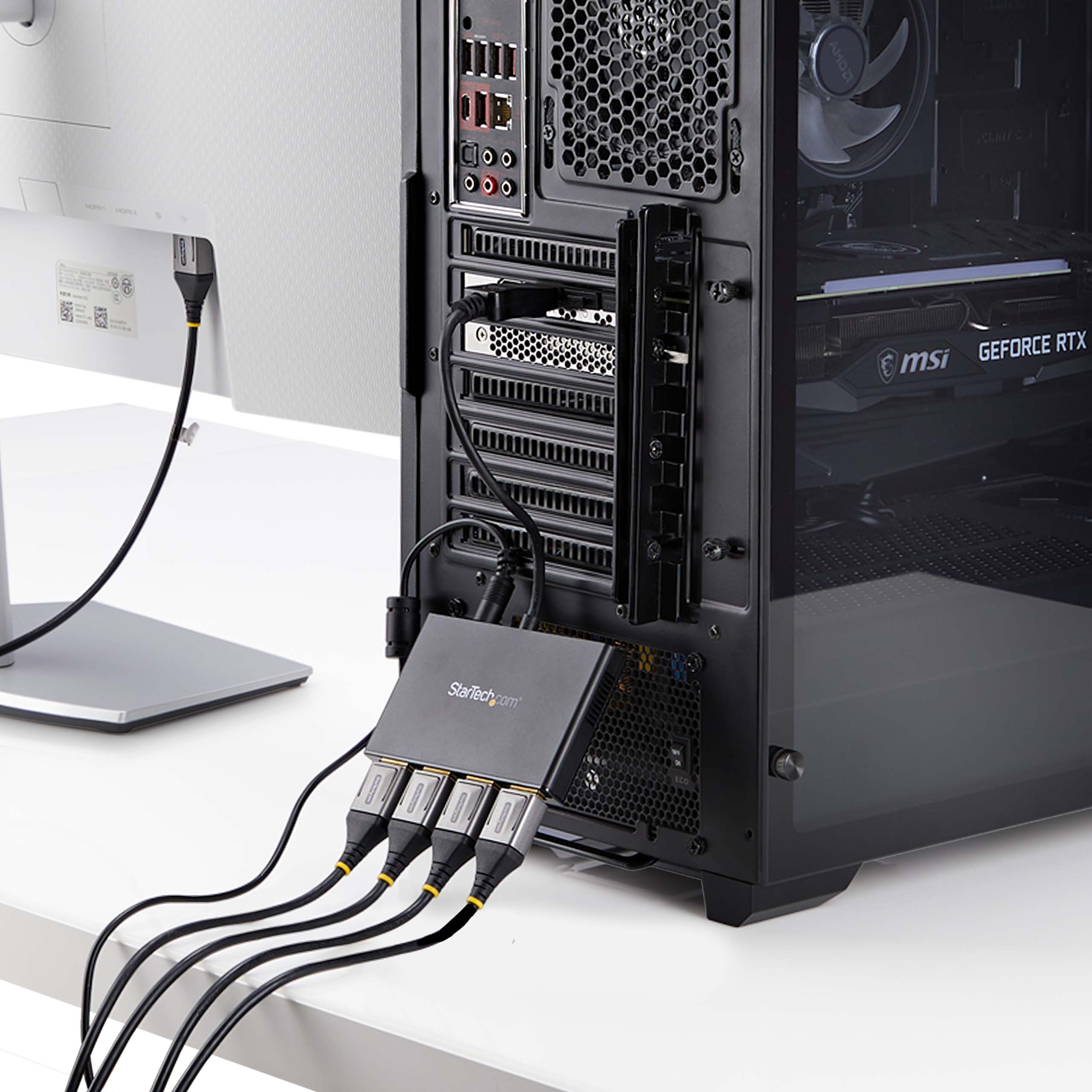
| Website Product Headline | Use this adapter to connect four independent displays to a single DP 1.2 port |
|---|
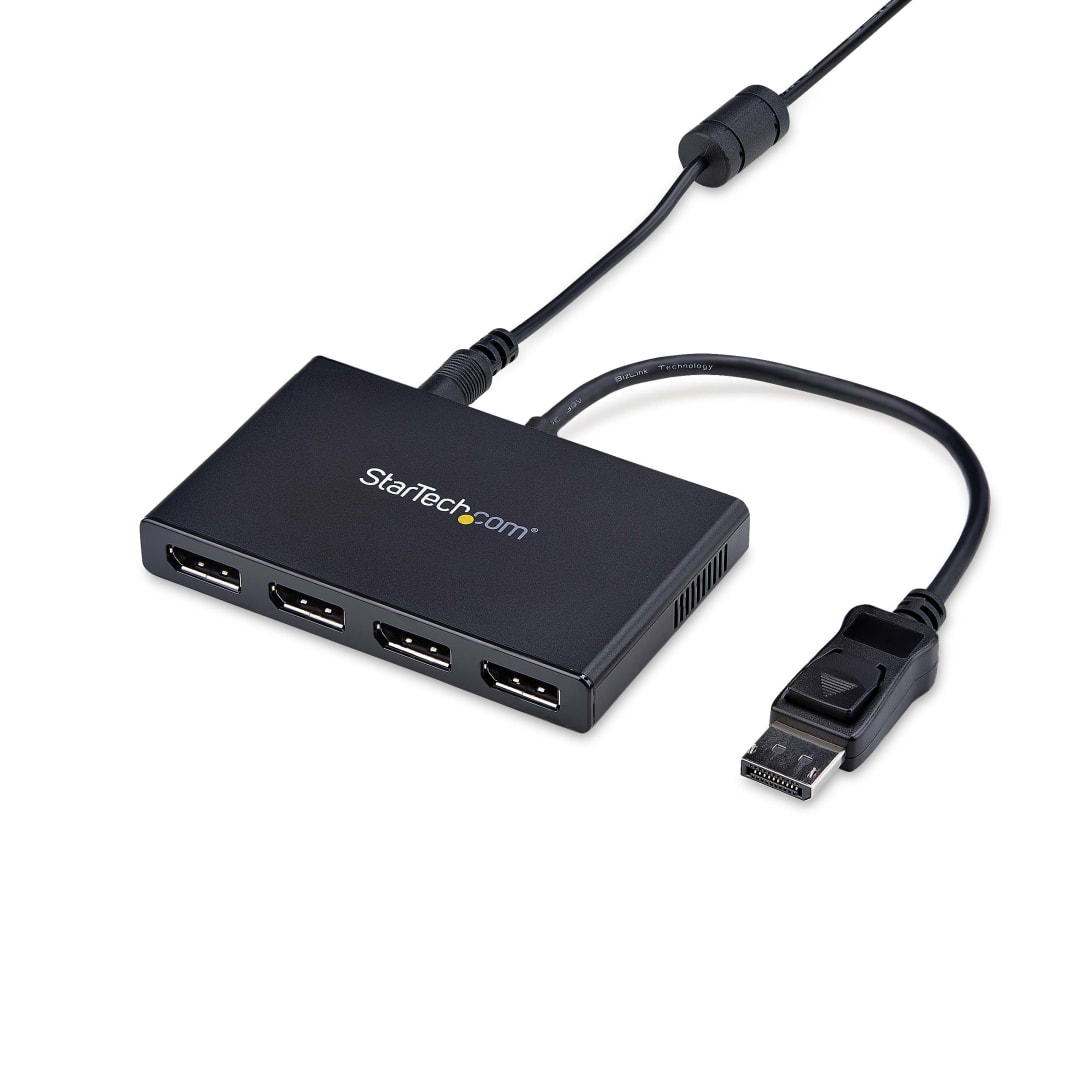
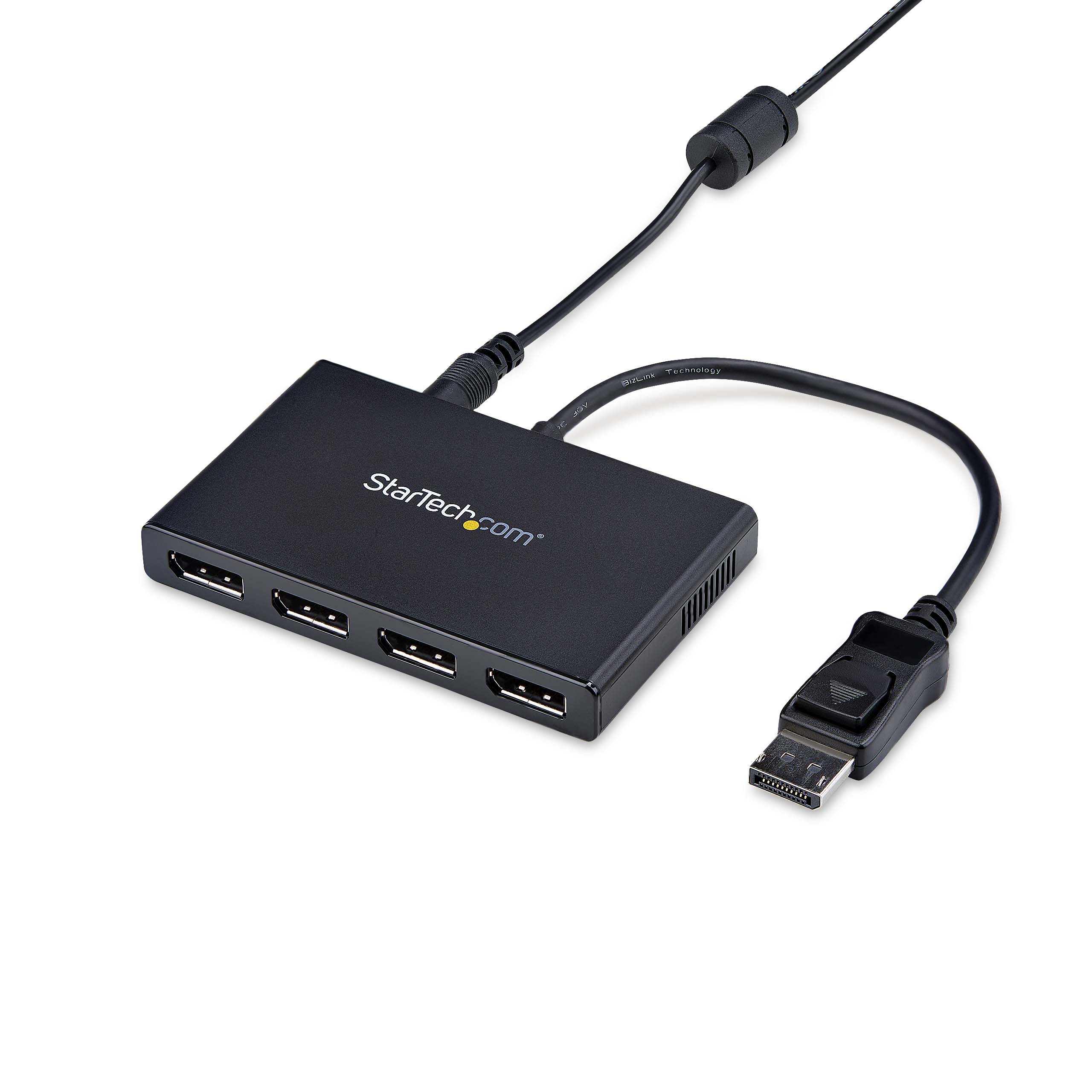
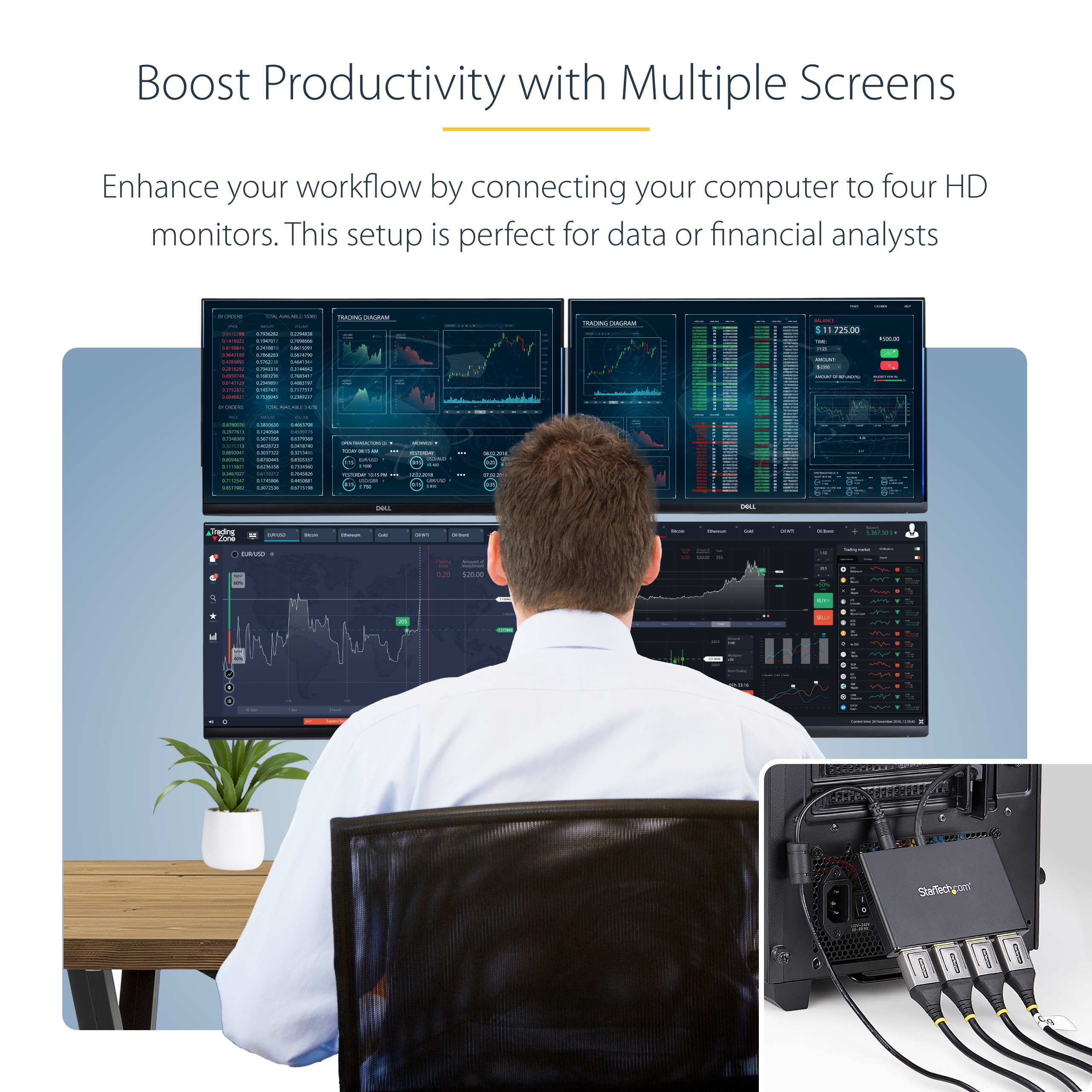
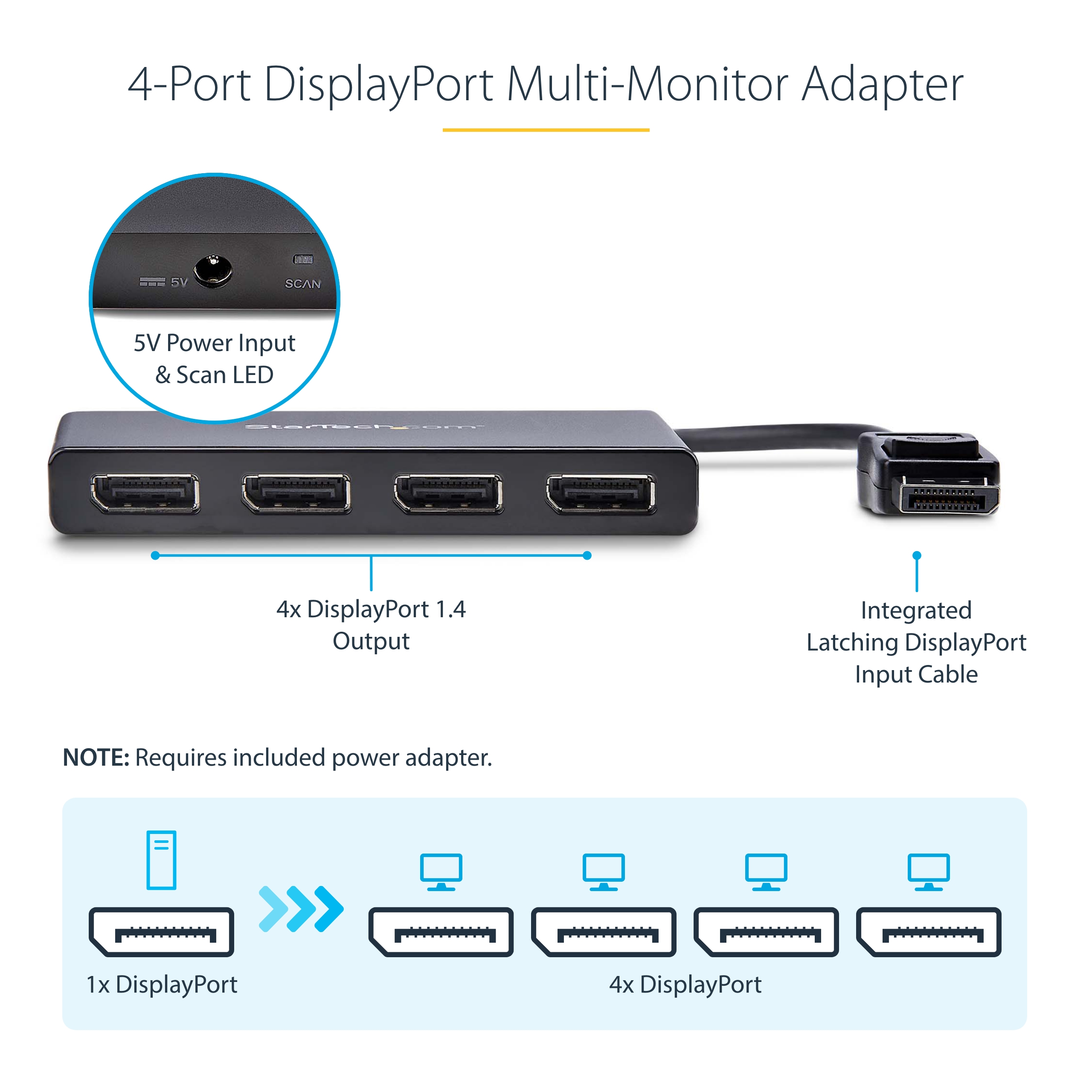
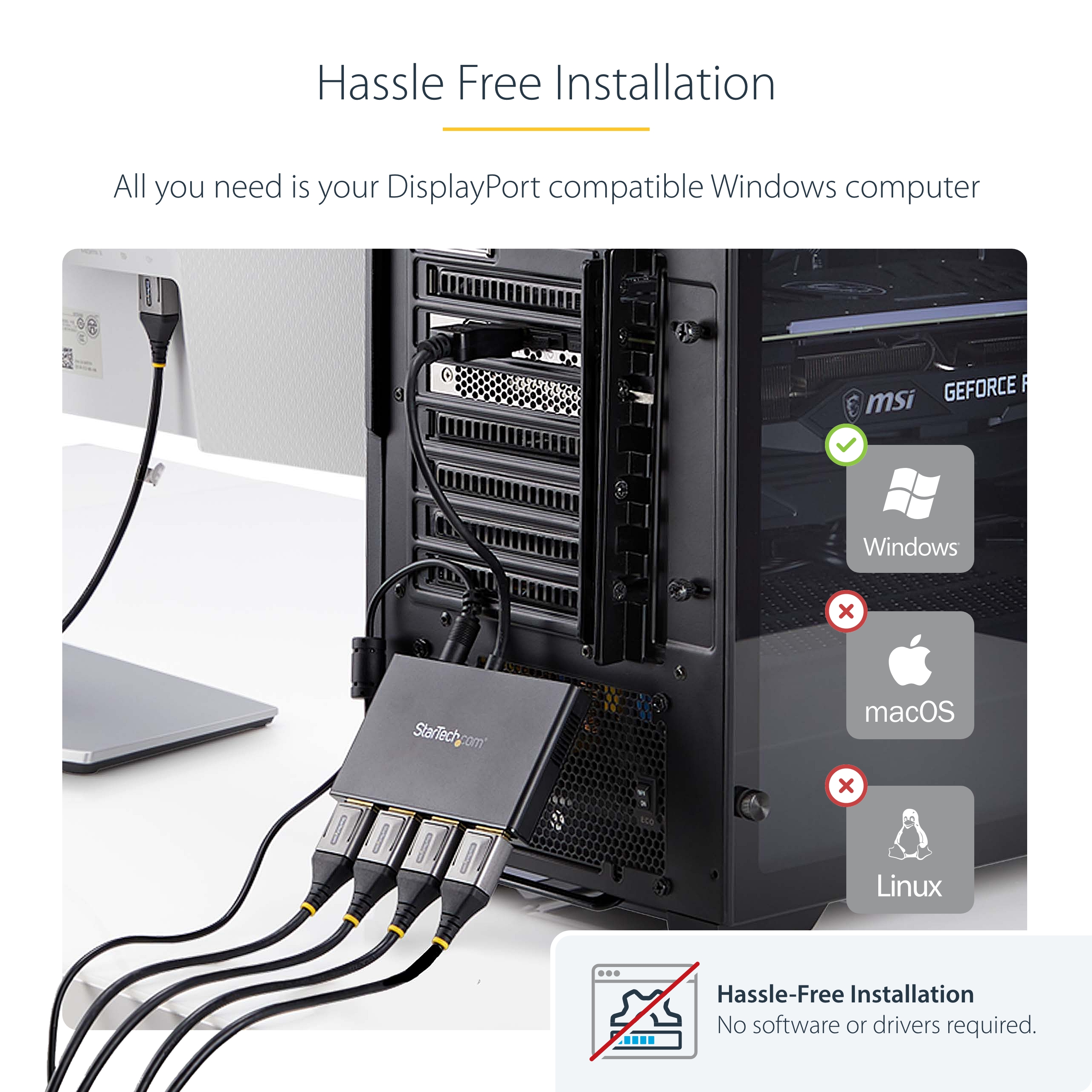
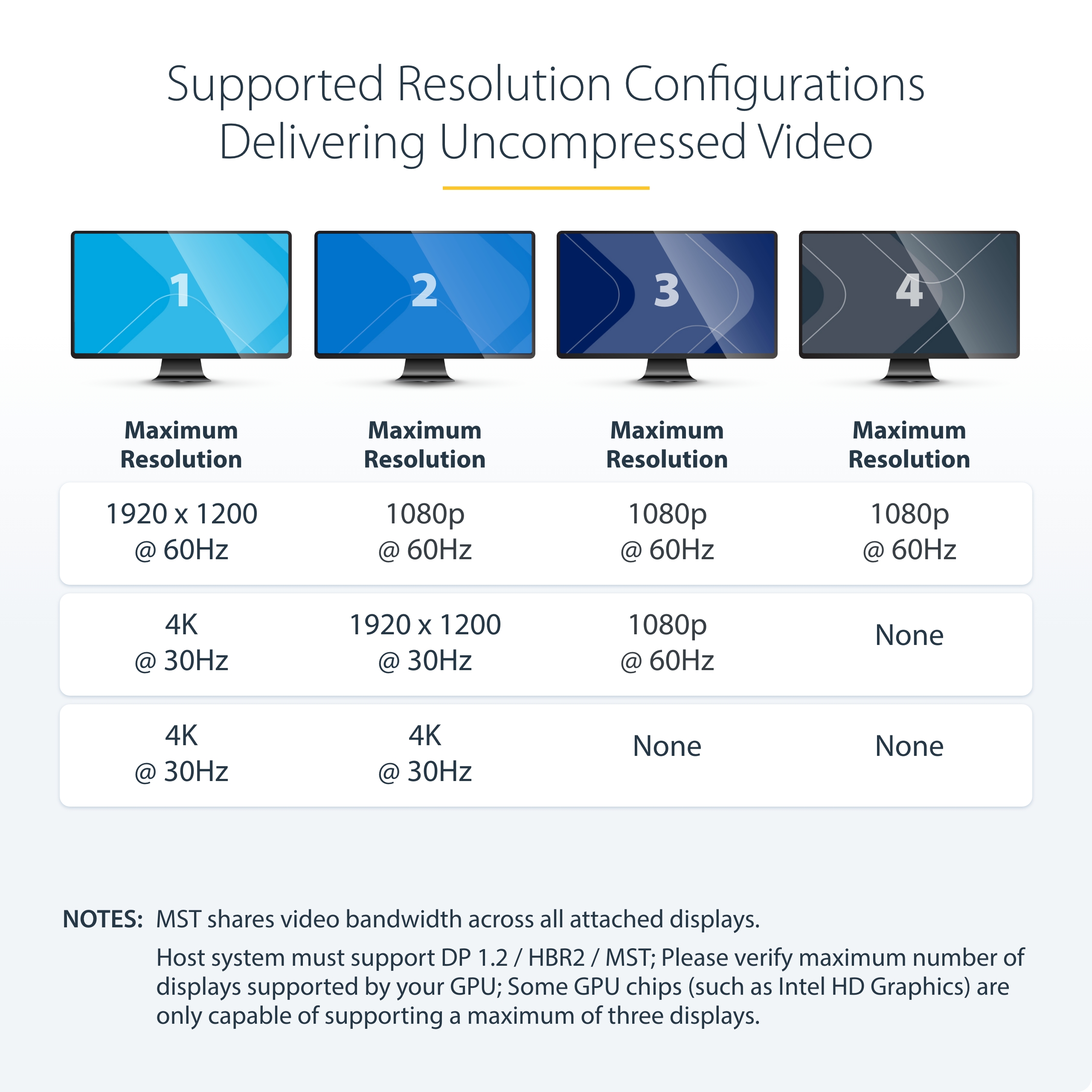
| Bullet 1 | MULTI-MONITOR CONFIGURATION: Quad-Monitor DisplayPort 1.2 MST Hub drives up to 4x 1080p 60Hz DisplayPort monitors using a DP video port on a Windows desktop PC or laptop; Not compatible with macOS |
|---|
| Bullet 2 | NO DRIVERS OR SOFTWARE: Increase productivity by adding four extended or mirrored displays to a Windows computer; Utilize integrated or discrete GPU (Intel/AMD/Nvidia) capabilities enabling high performance graphics with minimal CPU usage |
|---|
| Bullet 3 | HARDWARE COMPATIBILITY: Host system must support DP 1.2 / HBR2 / MST; Please verify maximum number of displays supported by your GPU; Some GPU chips (such as Intel HD Graphics) are only capable of supporting a maximum of three displays; |
|---|
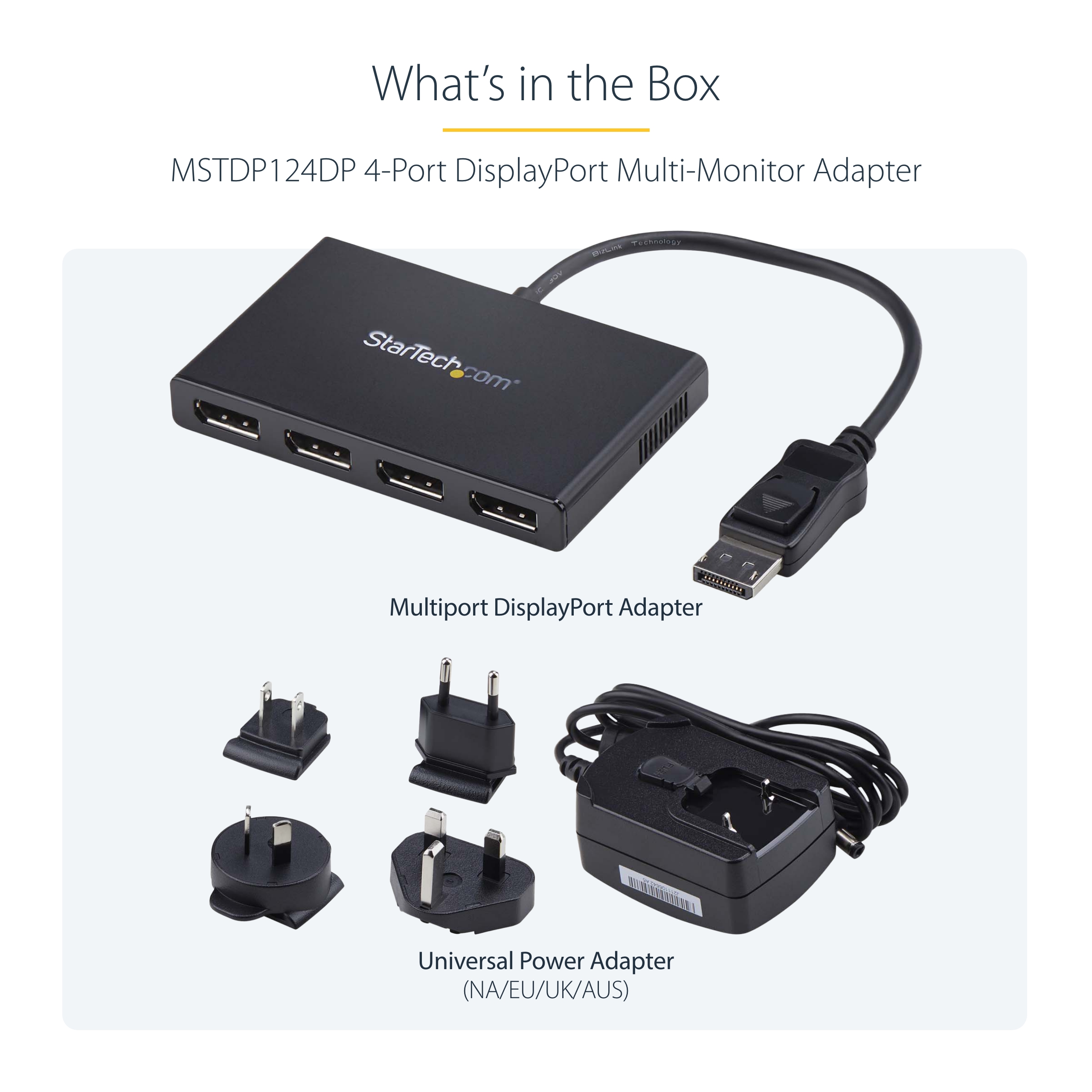
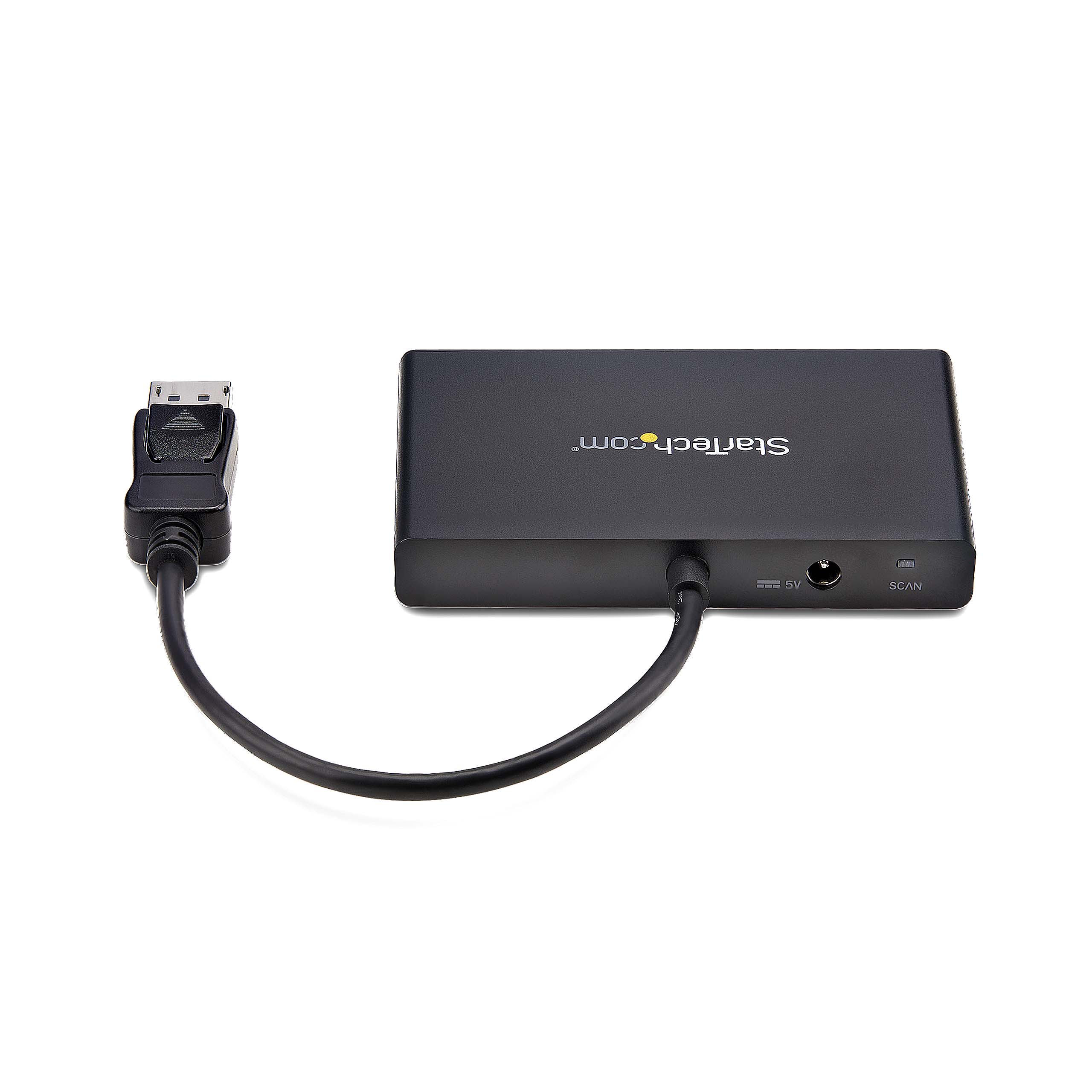
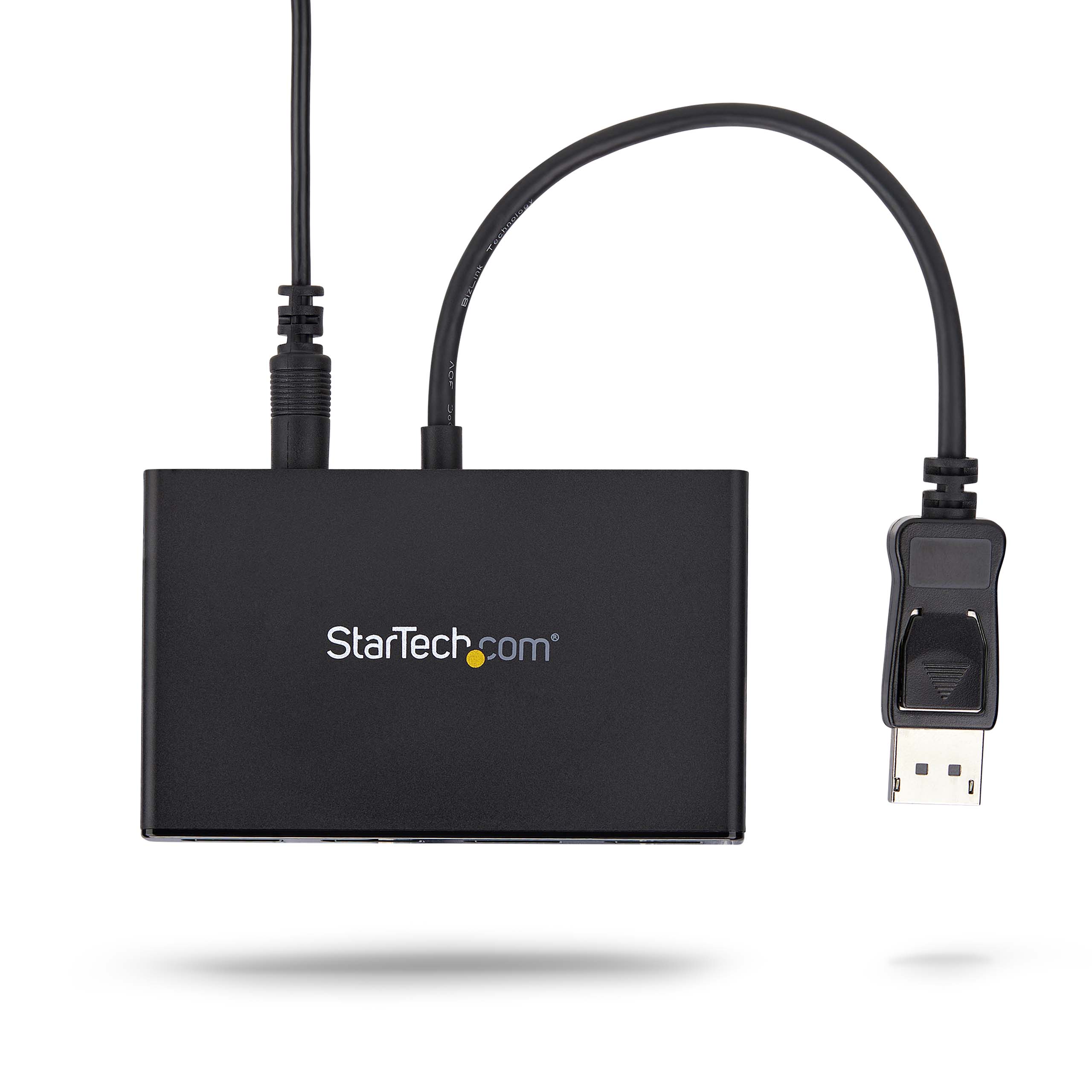
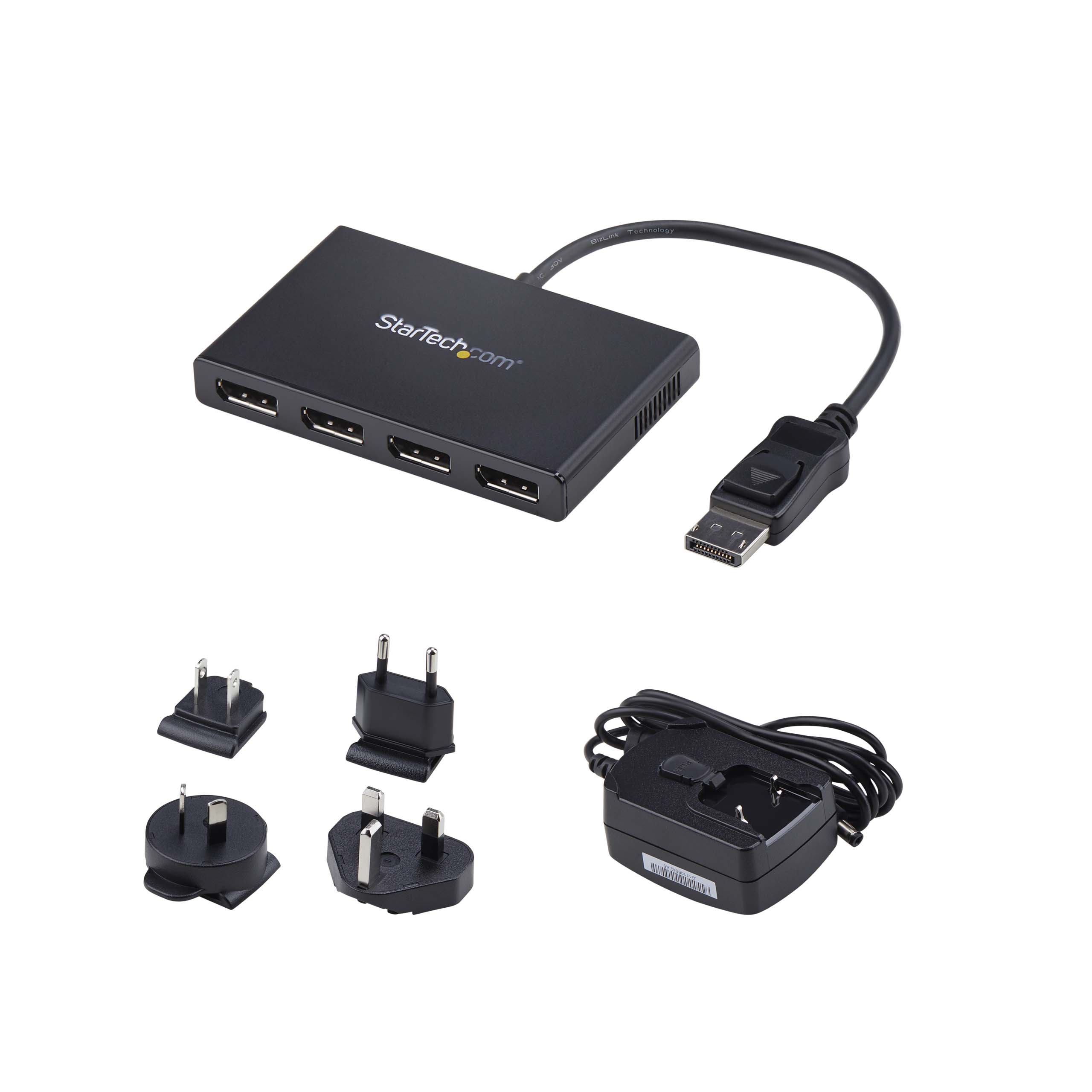
| Bullet 4 | EASY TO USE: Extend your desktop at your workstation in the office/home office; Latching DisplayPort connector ensures a reliable connection and prevents accidental disconnection; Not compatible with HDMI output ports; Universal Power Adapter included |
|---|
| Bullet 5 | OUR ADVANTAGE: Included connectivity tools for IT Pro's and IT help-desk support teams with Windows Layout Utility which restores windows app locations when re-connecting the 4-Port DisplayPort Multi-Monitor Adapter |
|---|
| Bullets (Compact) | 4-port DisplayPort multi-monitor adapter drives 4x 1080p 60Hz DP displays to extend or mirror your desktop; DP 1.2/HBR2/MST; MST Hub/video splitter w/latching DP connector; Universal Power Adapter included; No Drivers / Windows only |
|---|
| Bullets (Consolidated) | - 4-Port DisplayPort multi-monitor adapter drives 4 x 1080p 60Hz DP displays to extend or mirror your desktop - MST hub/video splitter - Utilize integrated or discrete GPU (Intel/AMD/Nvidia) capabilities enabling high performance graphics - Supports laptops/desktop PCs or graphics cards w/ DP 1.2 (MST and HBR2) - Please verify maximum number of displays supported by your GPU - No drivers or software; Works w/ Windows only - Universal Power Adapter included | Latching DP connector |
|---|
| Marketing Copy | |
|---|
| Marketing Copy (No HTML) | |
|---|
| Applications | - Use one screen for reference data such as websites, while composing a report on another screen
- Dock your DP 1.2 device and add four high-resolution displays to your workstation
- Create a panoramic video wall for DisplayPort digital signage applications
- Edit images, video or audio clips across four additional displays in any orientation or resolution
- Perfect for spanning a spreadsheet/worksheet across additional displays, to avoid side-scrolling
- Build a four display video wall to present entertainment to your patrons with an impressive display at a restaurant or shopping center
|
|---|
| Website Search Keyword | - DisplayPort Splitter
- DisplayPort Desktop Extender
- External Multi-Display
- Multi-Display DisplayPort
- Matrox
- TripleHead2GO
- DualHead2GO
- Clone
- Mirror
- External DisplayPort Video Card
- Triple Monitor
- Dual Monitor
- DP
- Triple Head DisplayPort Graphics Expansion Module
- Graphics Expansion Module
- Desktop Expansion
- B156-004-V2
|
|---|