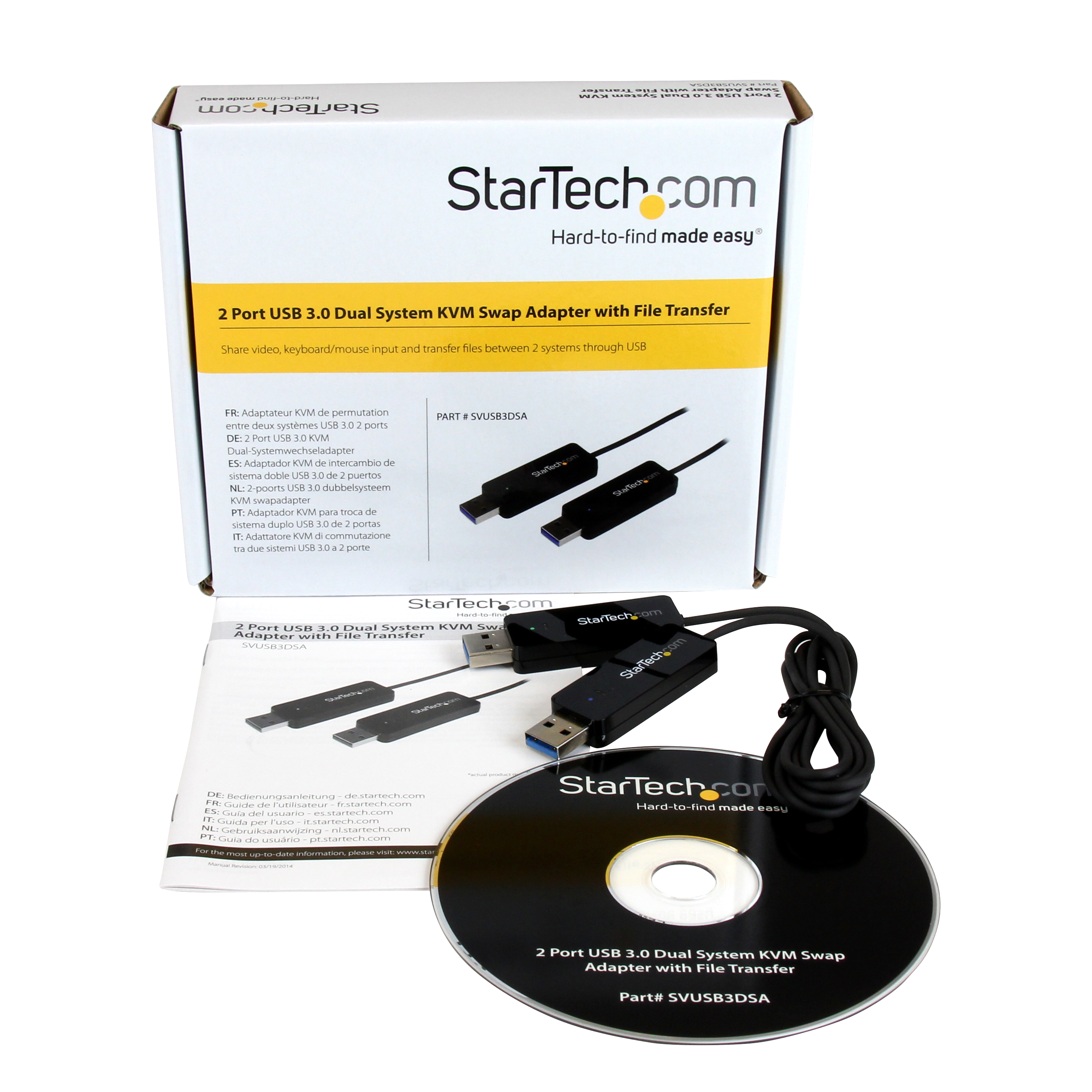
| Product Title (Ultra-Short) | 2Pt USB3 Cable KVM |
|---|
| Product Title (Short) | USB 3.0 KM Switch w/ File Transfer |
|---|
| Product Title (Medium) | 2 Port USB 3.0 Dual System Swap Cable KVM Switch with File Transfer |
|---|
| Product Title (Standard) | KM Switch Cable - USB 3.0 - Keyboard Mouse Switch with File Transfer for Windows Computers |
|---|
| Product Title (Long) | KM Switch Cable with File Transfer - USB 3.0 |
|---|
| Product Title (AMZ) | KM Switch Cable - USB 3.0 - Keyboard Mouse Switch with File Transfer for Windows Computers (SVUSB3DSA) |
|---|
| Title Ingram (Part 1) | 2Port USB 3.0 KVM Sharing |
|---|
| Title Ingram (Part 2) | Switch w/ File Transfer |
|---|
| Website Product Headline | Control and transfer files between two Windows computers using a single keyboard and mouse |
|---|
| Bullet 1 | Single USB 3.0 connection per system |
|---|
| Bullet 2 | Supports file transfer and clipboard sharing |
|---|
| Bullet 3 | Touchscreen control supported |
|---|
| Bullet 4 | Keyboard, mouse and display sharing between 2 Windows® systems |
|---|
| Bullets (Consolidated) | Control and transfer files between two Windows computers using a single keyboard and mouse - KM Switch/USB 3.0 KM Cable/Keyboard and Mouse Switch/Dual System Swap Cable/KM Switch with File Transfer/Transfer files with control/USB KM Switch/KVM Sharing Switch/Dual Port Desktop/Laptop USB KM Switch - |
|---|
| Marketing Copy | |
|---|
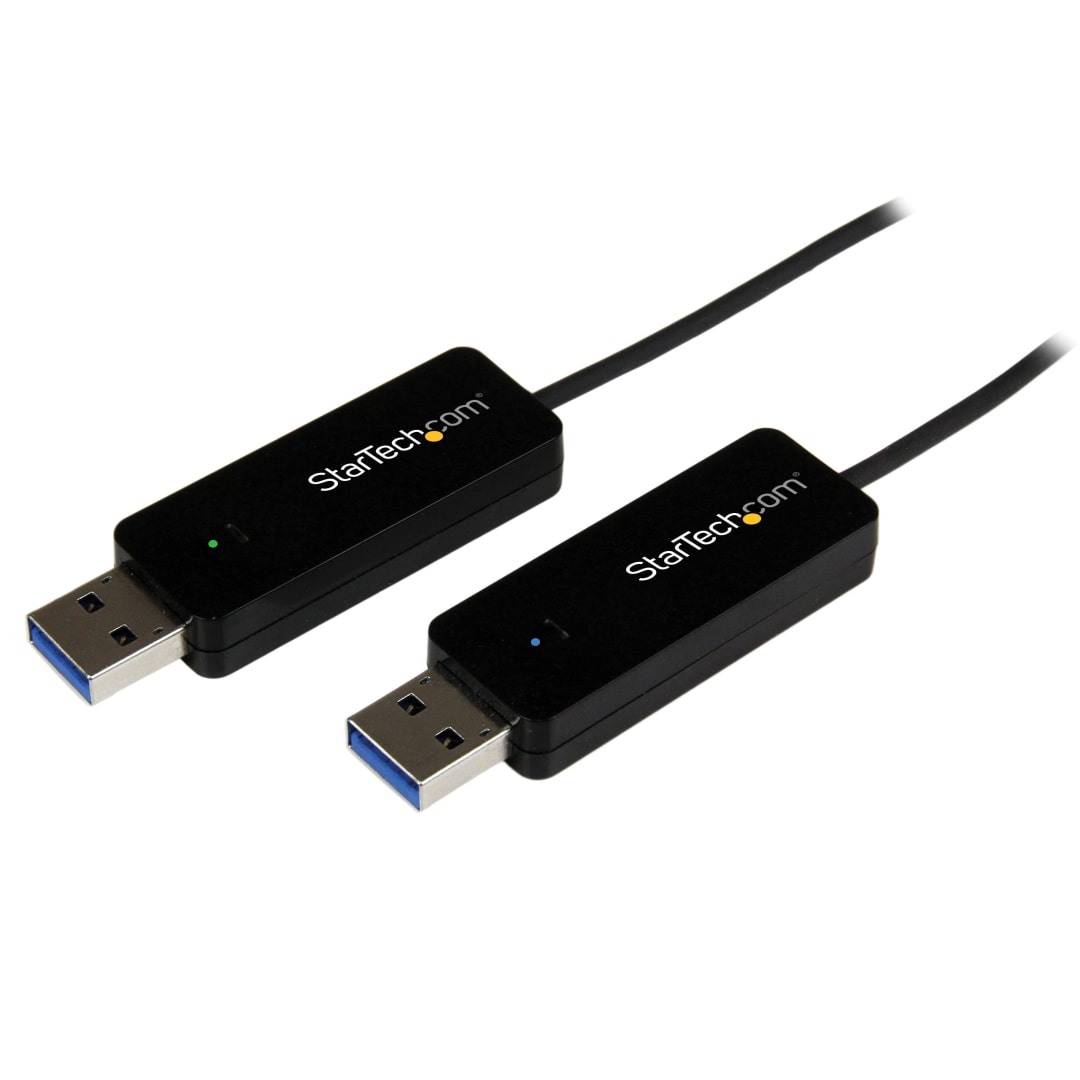
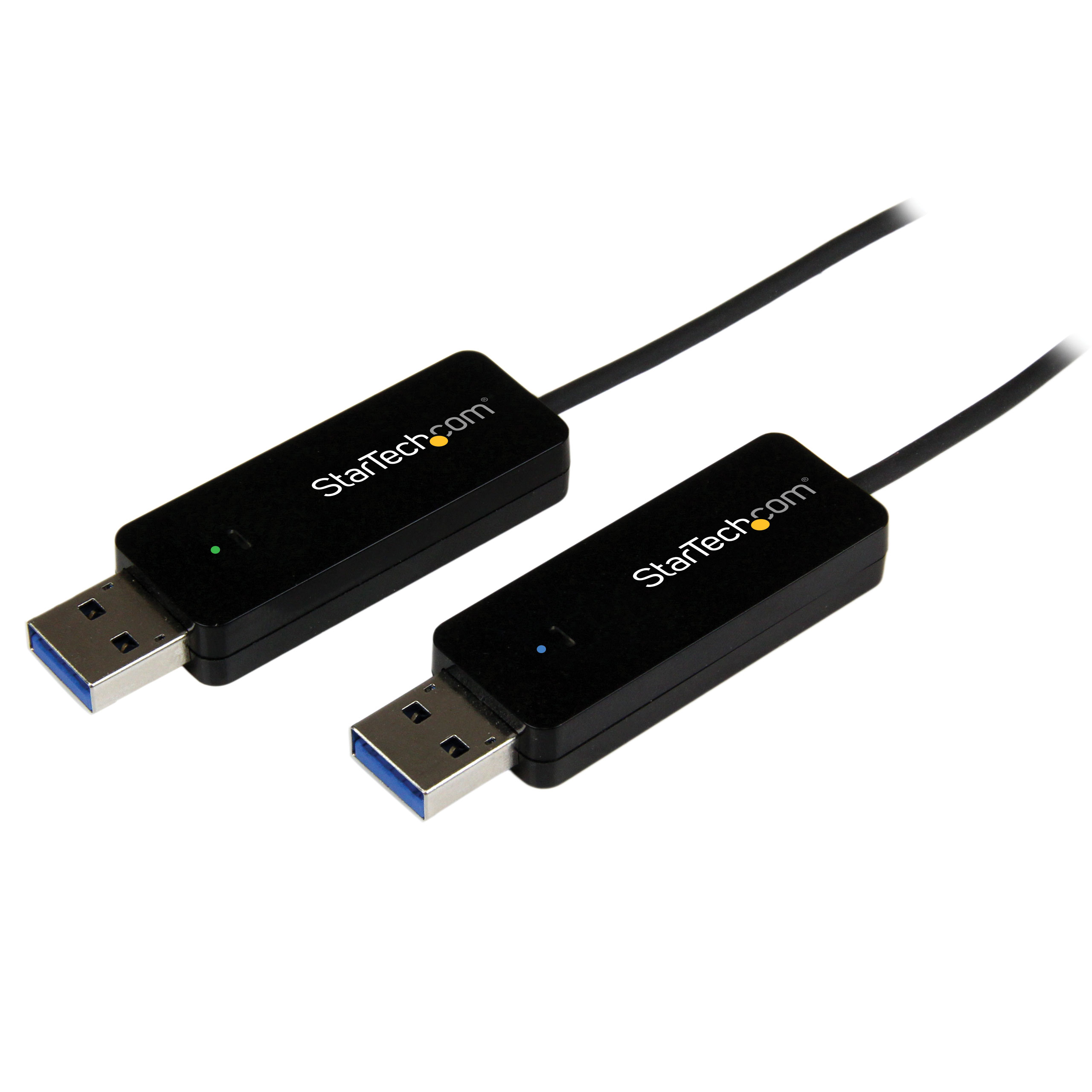
| Marketing Copy (No HTML) | The SVUSB3DSA 2-Port USB 3.0 Dual System Swap KVM Switch lets you share video, keyboard/mouse input and transfer files between two Windows systems, all through a standard USB 3.0 connection to each. Once connected, you can move your mouse cursor naturally between systems for seamless KVM control. This USB KVM switch features display sharing (extended or mirrored mode) from either computer, turning your second laptop, tablet or desktop into a shared display. Integrated touchscreen support means that if one or both of your connected systems has a touchscreen, you can use touch to control the computer being mirrored or extended. Integrated support for file transfers makes it easy to share files through the USB 3.0 KVM connection. With the click of a button, a file transfer window opens that allows you to either drag-and-drop or copy / paste files to any directory on the opposite computer. The device also supports clipboard sharing, so you can copy and paste text from one system to another. The USB 3.0 interface provides a 5 Gbps data channel to ensure fast file transfers and smooth video streaming / sharing operations, while offering backward compatibility with USB 2.0. Backed by a StarTech.com 2-year warranty and free lifetime technical support. |
|---|
| Applications | - Share video card and hard disk resources between two computers with display sharing and file transfer support
- Control two systems with a single keyboard and mouse
- Use a Windows® touch screen tablet or laptop to control a standard non-touch system
|
|---|
| Website Search Keyword | - KVM Sharing Switch
- 2 Port KVM Switch
- Dual System Swap Adapter
- System Swap Adapter
- Cable KVM Switch
|
|---|