| Product Title (Ultra-Short) | Thunderbolt to DP |
|---|
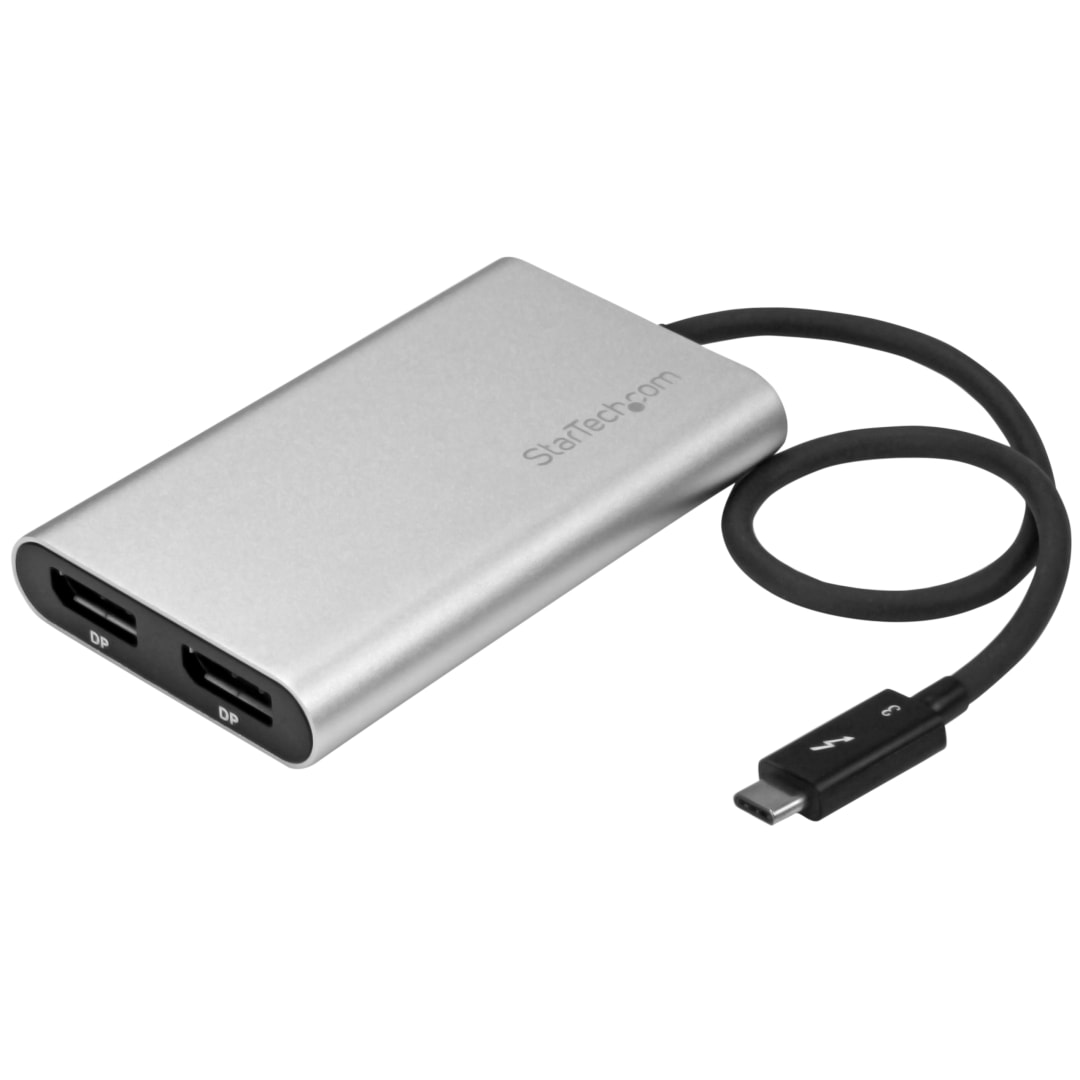
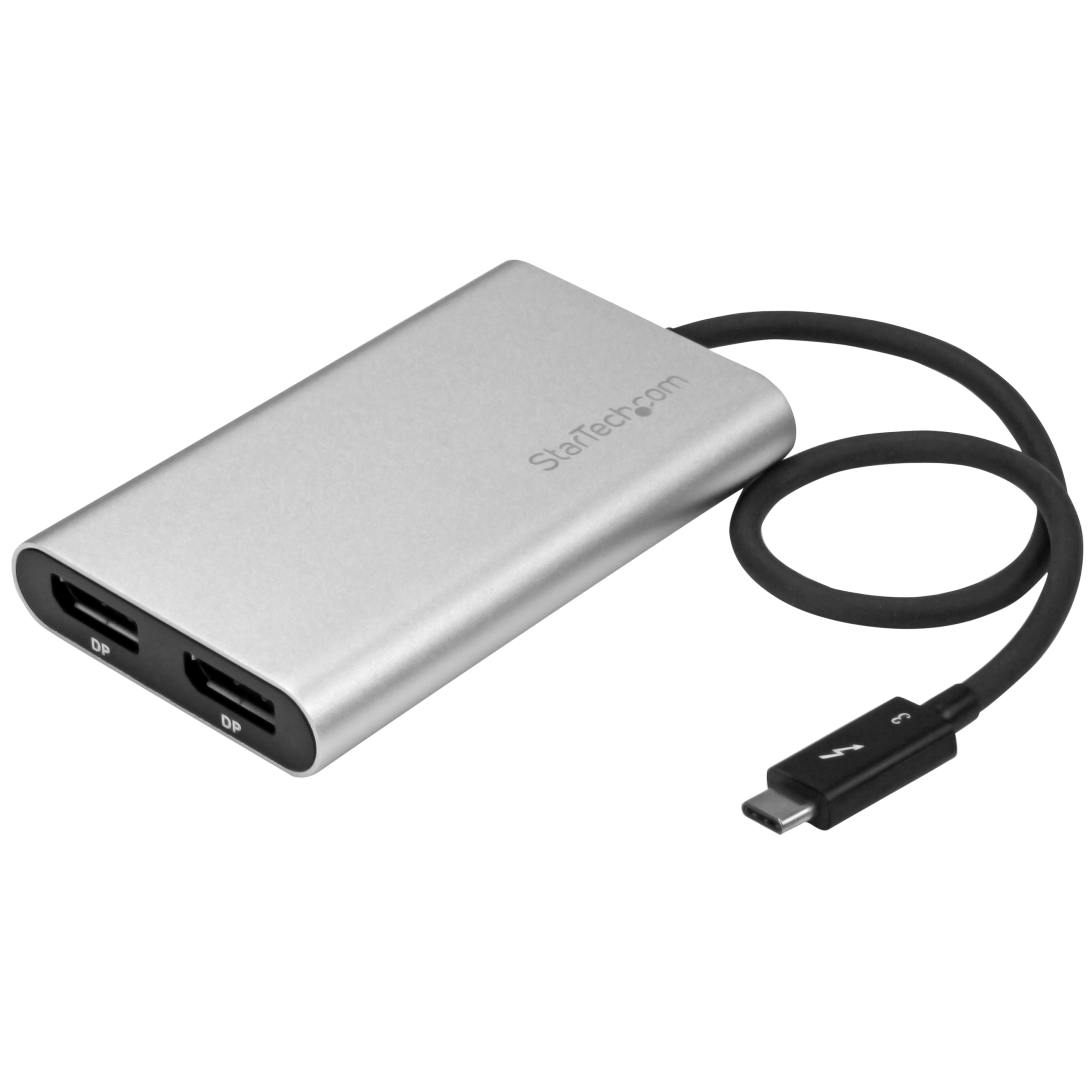
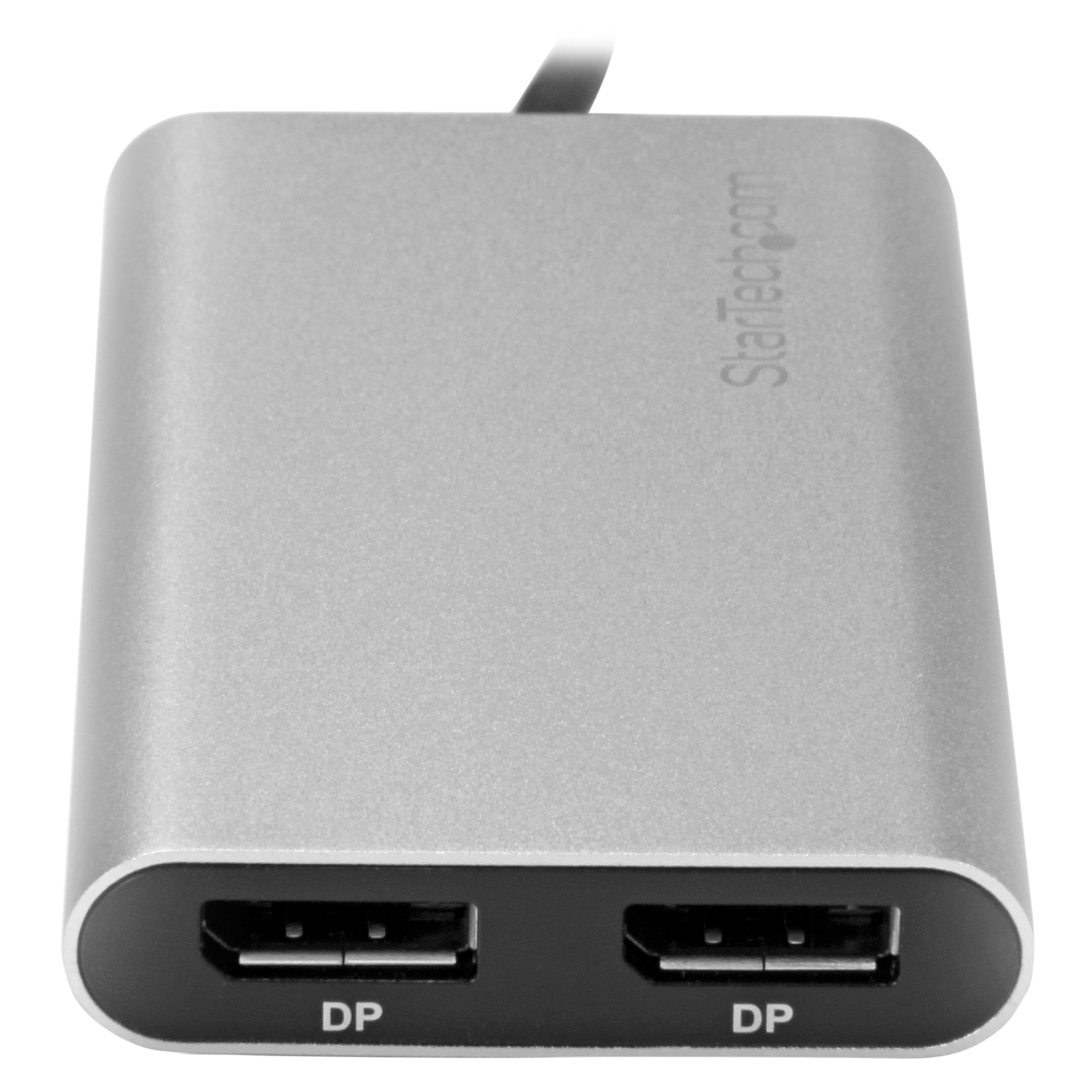
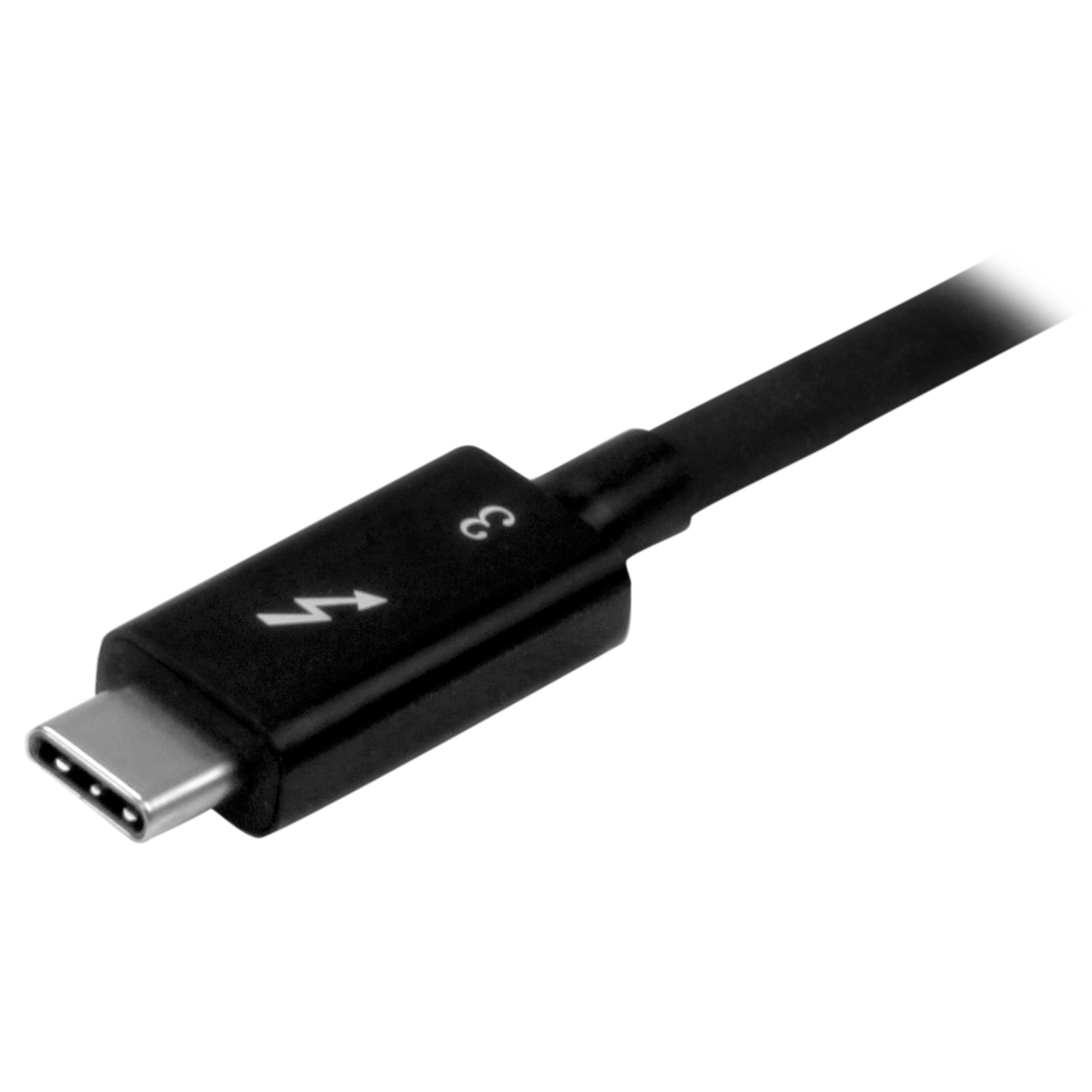
| Product Title (Short) | Thunderbolt 3 to Dual DisplayPort - 4K |
|---|
| Product Title (Medium) | Thunderbolt 3 to Dual DisplayPort Adapter - Thunderbolt to 2x DP - 4K |
|---|
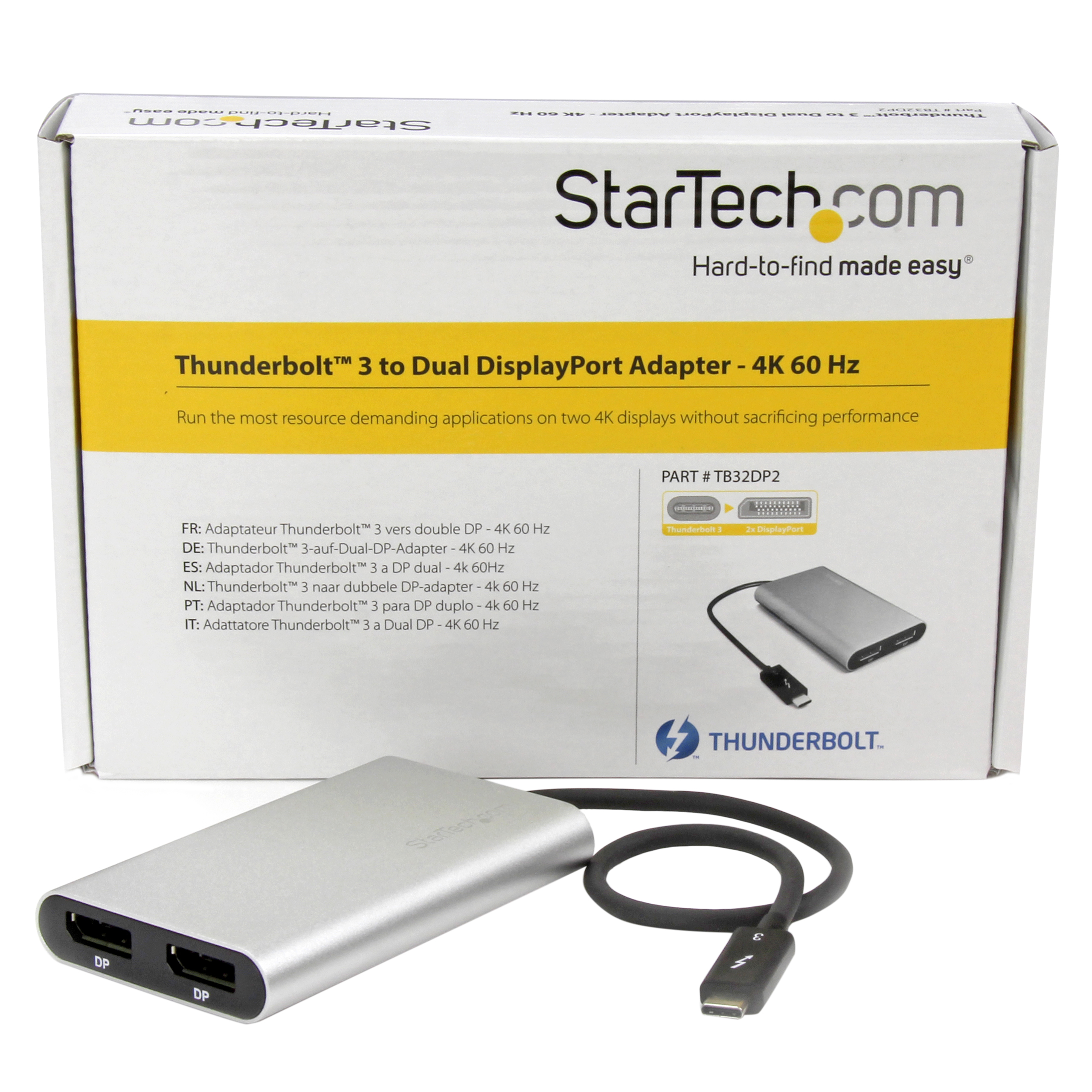
| Product Title (Standard) | Thunderbolt 3 to Dual DisplayPort Adapter – 4K 60Hz – Windows Only Compatible – USB C Adapter – DP Adapter |
|---|
| Product Title (Long) | Thunderbolt 3 to Dual DisplayPort Adapter - 4K 60 Hz - Windows Only Compatible |
|---|
| Product Title (AMZ) | Thunderbolt 3 to Dual DisplayPort Adapter - 4K 60Hz - Windows Only Compatible - Monitor Adapter - DP Adapter (TB32DP2) |
|---|
| Title Ingram (Part 1) | Thunderbolt 3 to Dual DP - |
|---|
| Title Ingram (Part 2) | Thunderbolt 3 DisplayPort - 4K 60Hz |
|---|
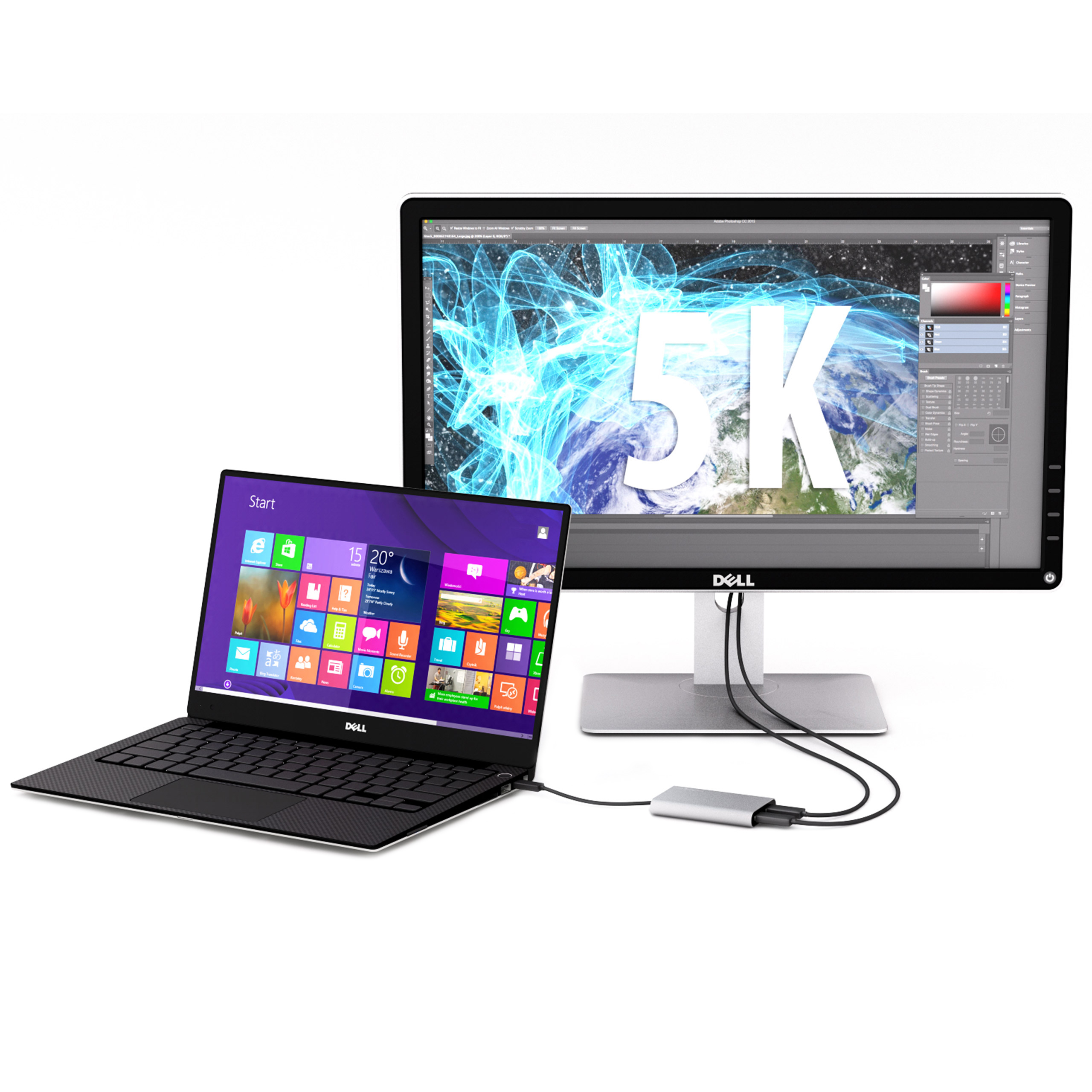
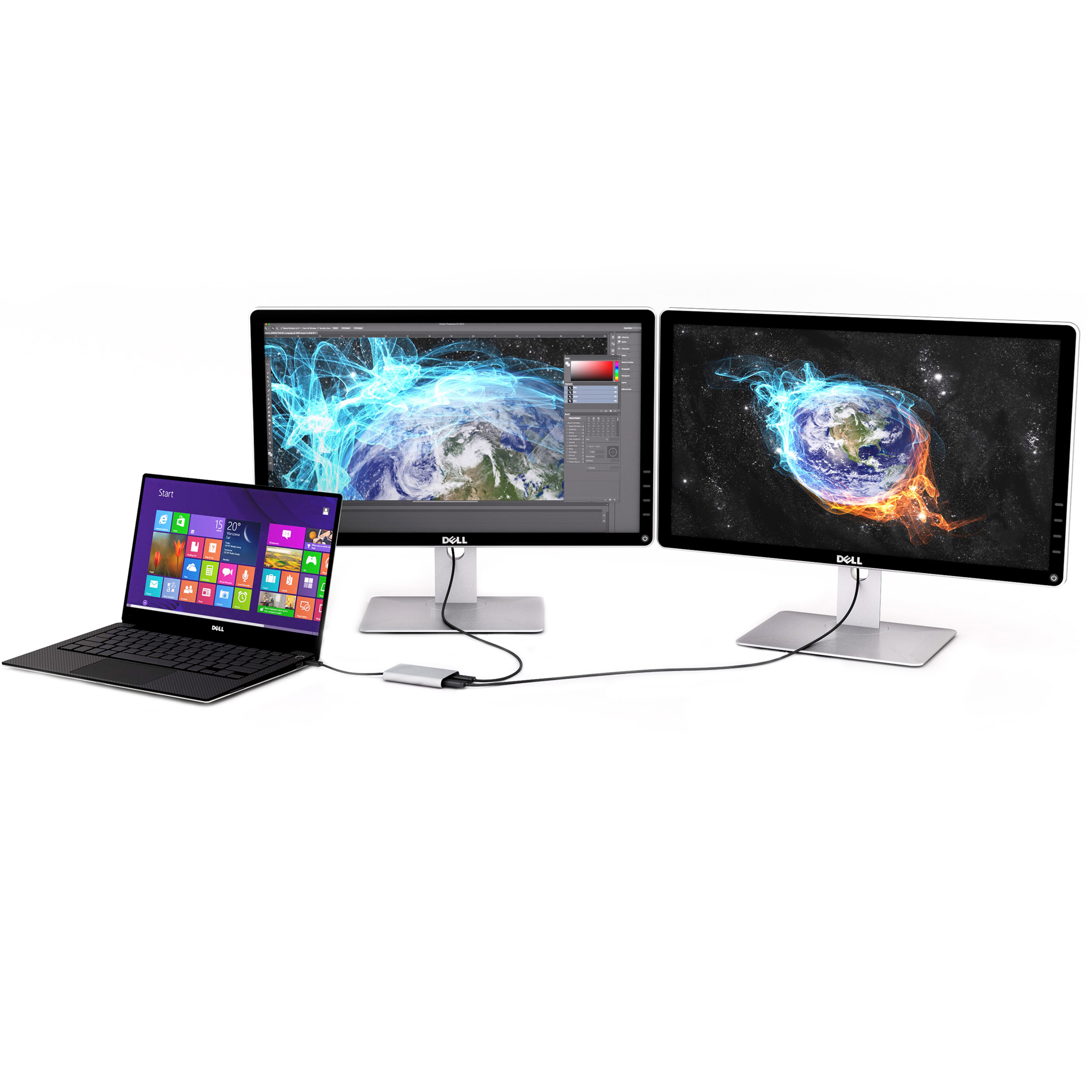
| Website Product Headline | Use a Thunderbolt 3 port on your Windows system to run resource demanding applications on two UHD 4K displays, or run a 5K monitor |
|---|
| Bullet 1 | Connect two UHD 4K 60 Hz displays to your computer through a single Thunderbolt 3 port |
|---|
| Bullet 2 | Add a 5K 60 Hz display to your computer by connecting two DP cables to a single Thunderbolt 3 port |
|---|
| Bullet 3 | Thunderbolt Certified |
|---|
| Bullet 4 | Backward compatible with lower resolutions like high-definition 1920x1200 and 1080p |
|---|
| Bullet 5 | No external power adapter required |
|---|
| Bullets (Compact) | Windows only not Mac Compatible - Run the most resource demanding applications on two Ultra HD 4K displays, or run a 5K monitor from a single Thunderbolt 3 port - Works with Lenovo P70, Dell XPS & Precision - Thunderbolt USB-C to DP |
|---|
| Bullets (Consolidated) | For Windows only not Mac Compatible - Run the most resource demanding applications on two Ultra HD 4K displays, or run a 5K monitor from a single Thunderbolt 3 port - Works with Thunderbolt 3 devices like Elitebook X2 1012 G1 Dell XPS 13 (9350) and Zbook 15 G3 and 17 G3 - Dual display resolutions up to 4K at 60Hz - Thunderbolt to DisplayPort/USB Type-C Thunderbolt to dual DP/USB C with Thunderbolt 3 to Dual DP - Connect a 5K display to your computer at 60 Hz resolution |
|---|
| Marketing Copy | |
|---|
| Marketing Copy (No HTML) | |
|---|
| Applications | - Connect your computer to two 4K monitors
- Use your Thunderbolt 3 computer to connect to a 5K display
- Design high-resolution, graphic-intensive content, such as CAD drawings and Photoshop graphic images
- Create and Edit 4K video while using resource intensive software
- Multitask by previewing your raw output content on a second 4K display
- Connect to different systems with 4K or 1080p displays for hot desking in BYOD office applications
- Use one screen for reference data such as websites, while composing 4K content on your other screen
- Span a spreadsheet or worksheet across multiple displays to avoid side-scrolling
- Access panoramic views that are built into software applications, while viewing helpful tutorial content on your laptop monitor
- Connect your Dell XPS or Dell Precision to two external DP monitors
|
|---|
| Website Search Keyword | - usb type-c to thunderbolt
- Thunderbolt to DisplayPort
- Lenovo P70
- Lenovo P50
- USB C to DisplayPort
- USB Type C to DisplayPort
- Thunderbolt 3 to DisplayPort
- Thunderbolt to DP
- thunderbolt 3
- thunderbolt
- displayport
- dual monitor
- dual display
- multi monitor
- MST
- USB-C
- Thunderbolt 3 to DP
|
|---|