| Product Title (Short) | USB 3.0 to SATA IDE HDD Docking Station |
|---|
| Product Title (Standard) | USB 3.0 to SATA IDE HDD Docking Station for 2.5in or 3.5in Hard Drive |
|---|
| Product Title (Long) | USB 3.0 to SATA IDE HDD Docking Station for 2.5in or 3.5in Hard Drive |
|---|
| Product Title (AMZ) | USB 3.0 to IDE SATA Hard Drive Docking Station for 2.5/3.5" Hard Drive - SuperSpeed Hard Drive Dock (UNIDOCK3U) |
|---|
| Title Ingram (Part 1) | USB 3.0 to SATA IDE HDD Docking |
|---|
| Title Ingram (Part 2) | Station for 2.5/3.5in |
|---|
| Website Product Headline | Connect both IDE and SATA hard drives using top slot-loading bays through USB 3.0 |
|---|
| Bullet 1 | Compatible with SATA revision 1/2/3 (1.5/3.0/6.0 Gbps) drives |
|---|
| Bullet 2 | Supports 2.5" or 3.5" form factor hard drives (HDD) or solid state drives (SSD) |
|---|
| Bullet 3 | SuperSpeed USB 3.0 compliant host interface, which supports transfer rates up to 5 Gbps |
|---|
| Bullet 4 | Compatible with PATA (IDE) 66/100/133 MBps hard drives |
|---|
| Bullet 5 | Patented drive ejection mechanism for SATA drives |
|---|
| Bullets (Consolidated) | Replaced by UNIDOCKU33 - Connect both IDE and SATA hard drives using top slot-loading bays through USB 3.0 |
|---|
| Marketing Copy | |
|---|
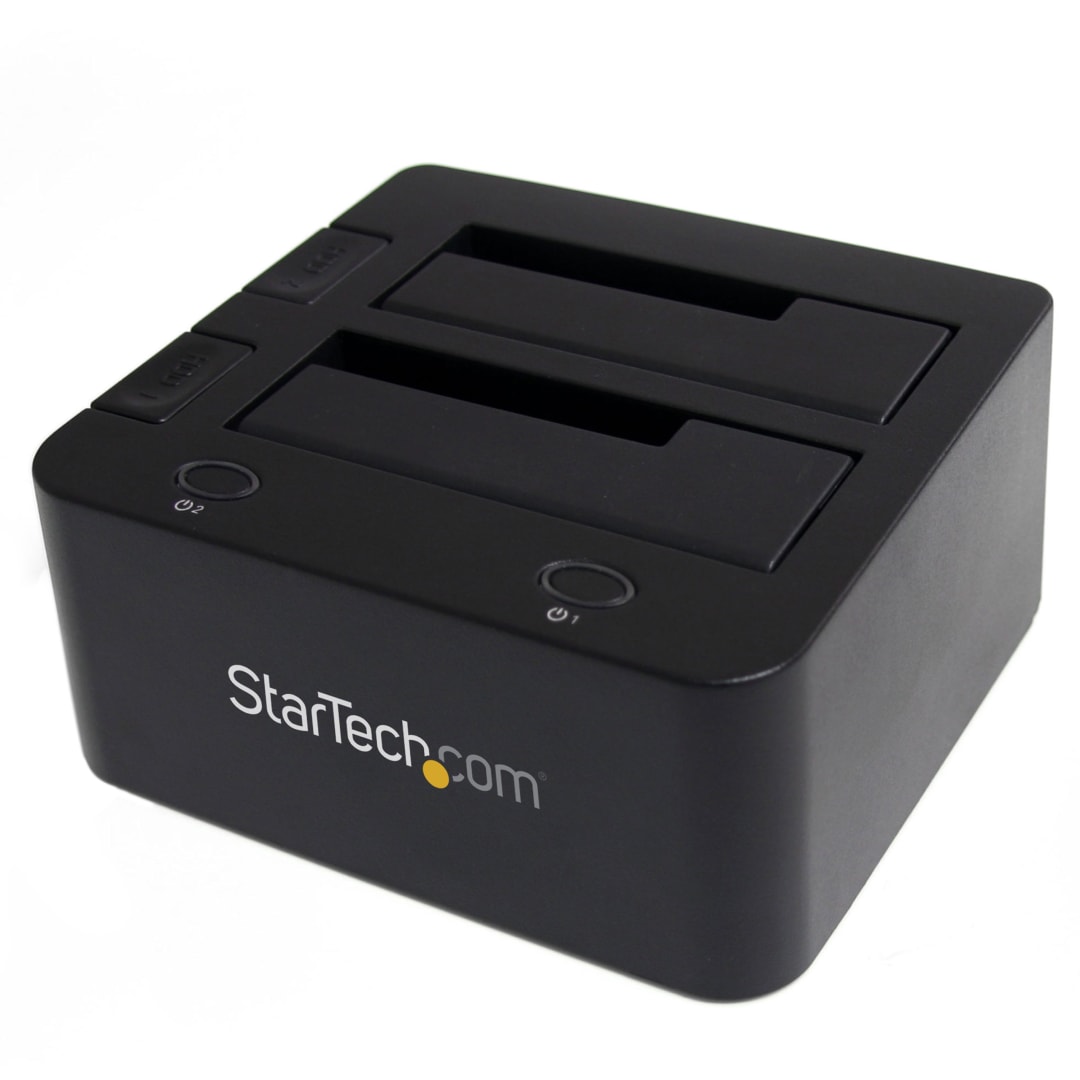
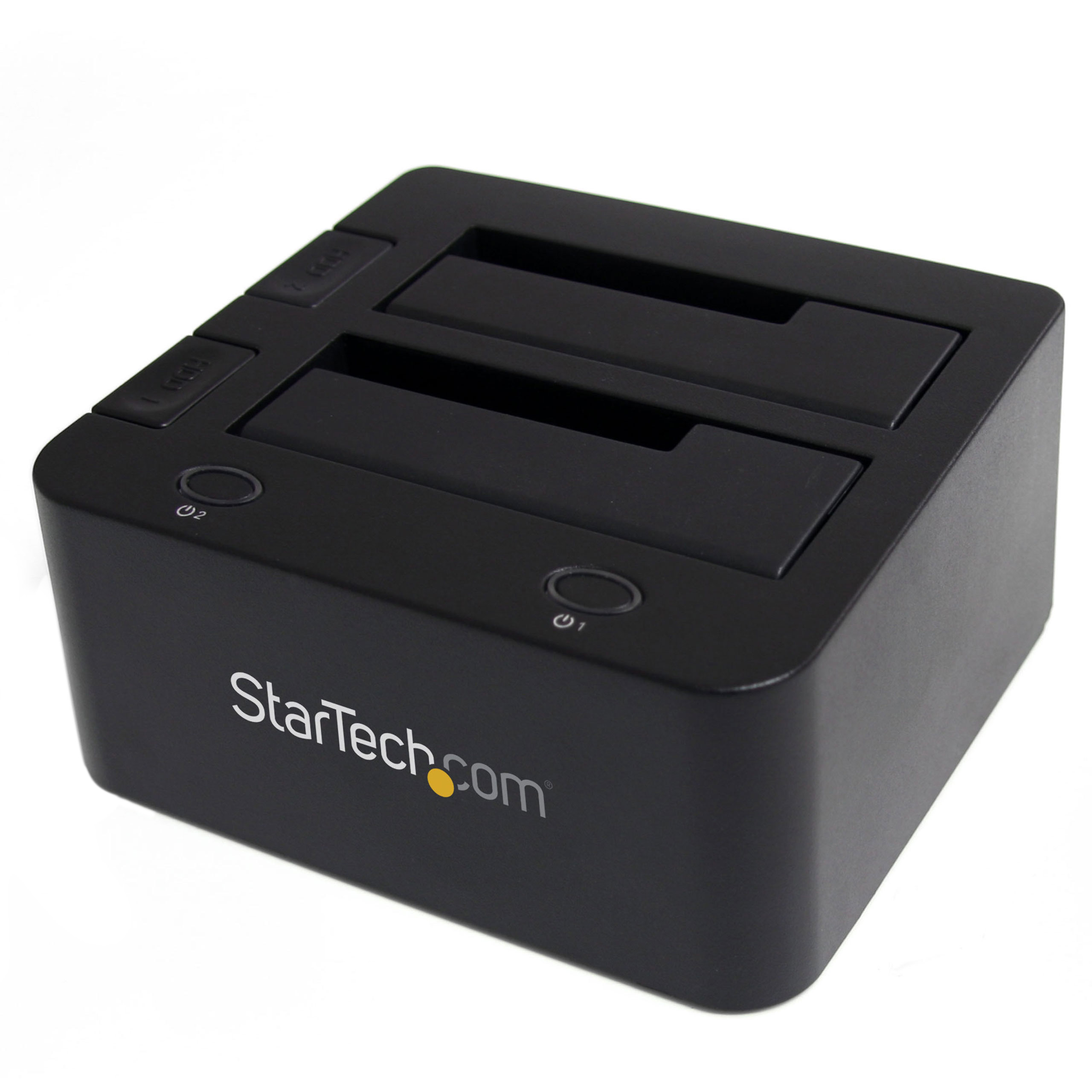
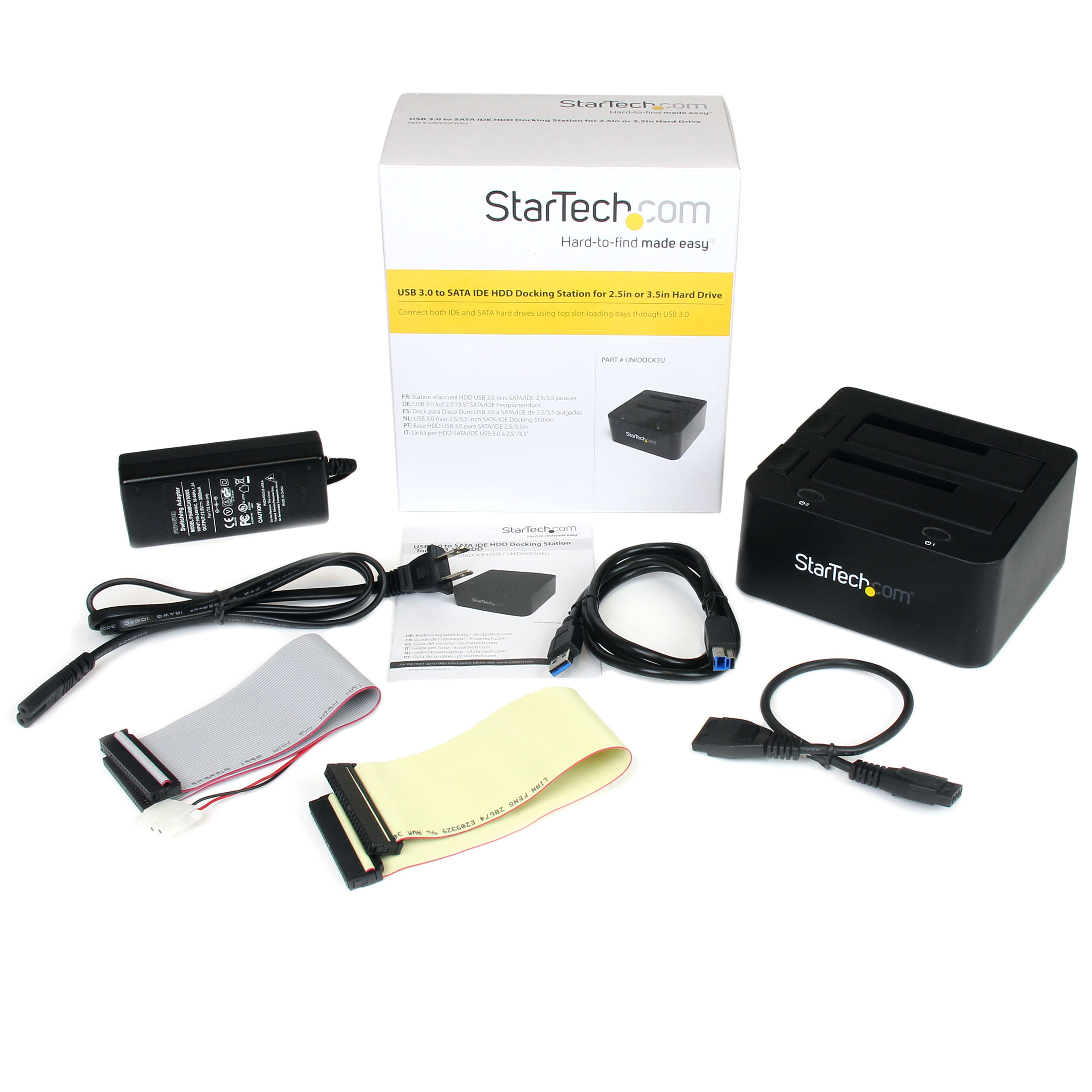
| Marketing Copy (No HTML) | The UNIDOCK3U USB 3.0 to SATA/IDE Hard Drive Docking Station delivers instant access to 2.5-inch and 3.5-inch IDE and SATA hard drives through two top loading drive slots - one for Serial ATA drives and one for IDE drives - instead of having to mount the drives into a computer or external enclosure/tray.
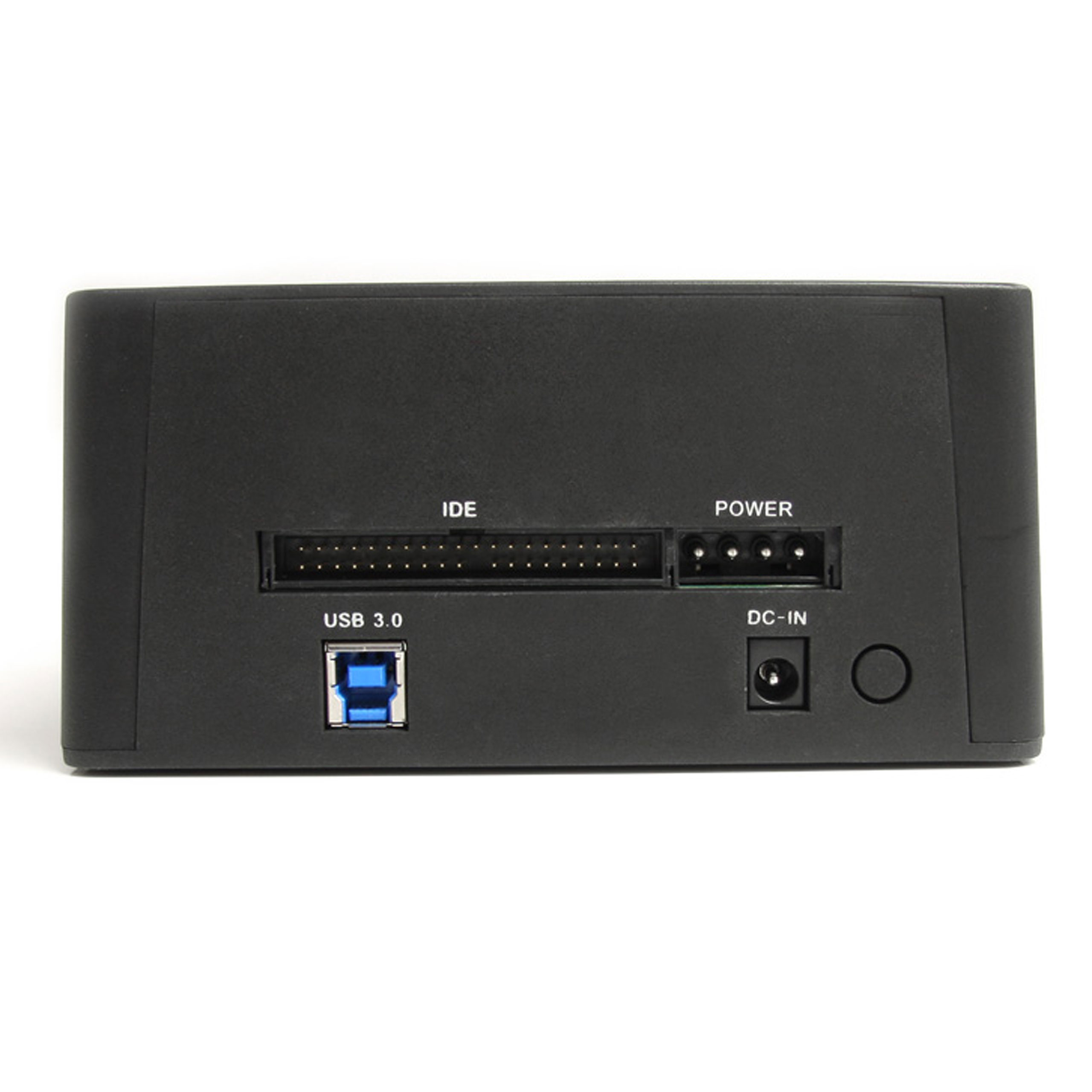
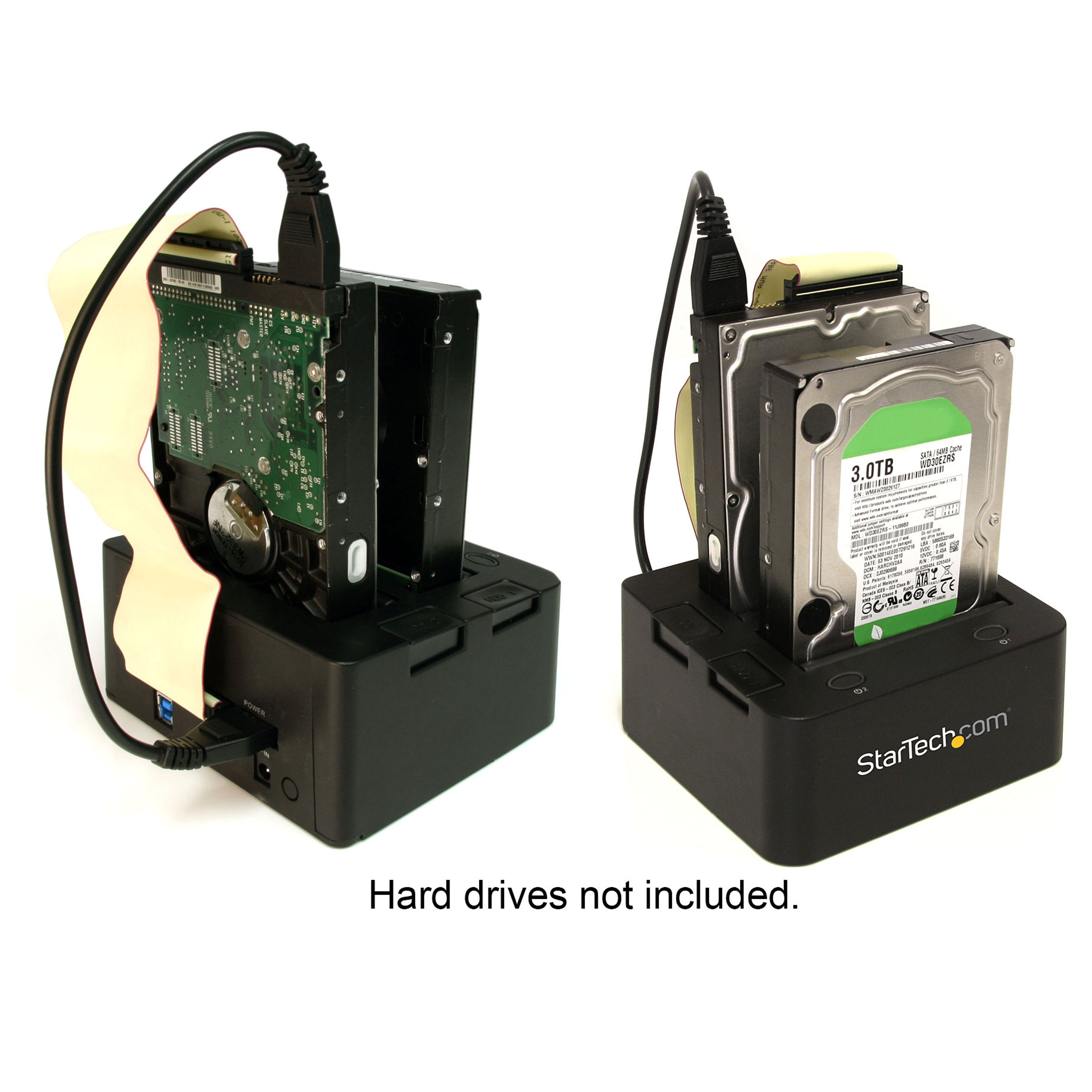
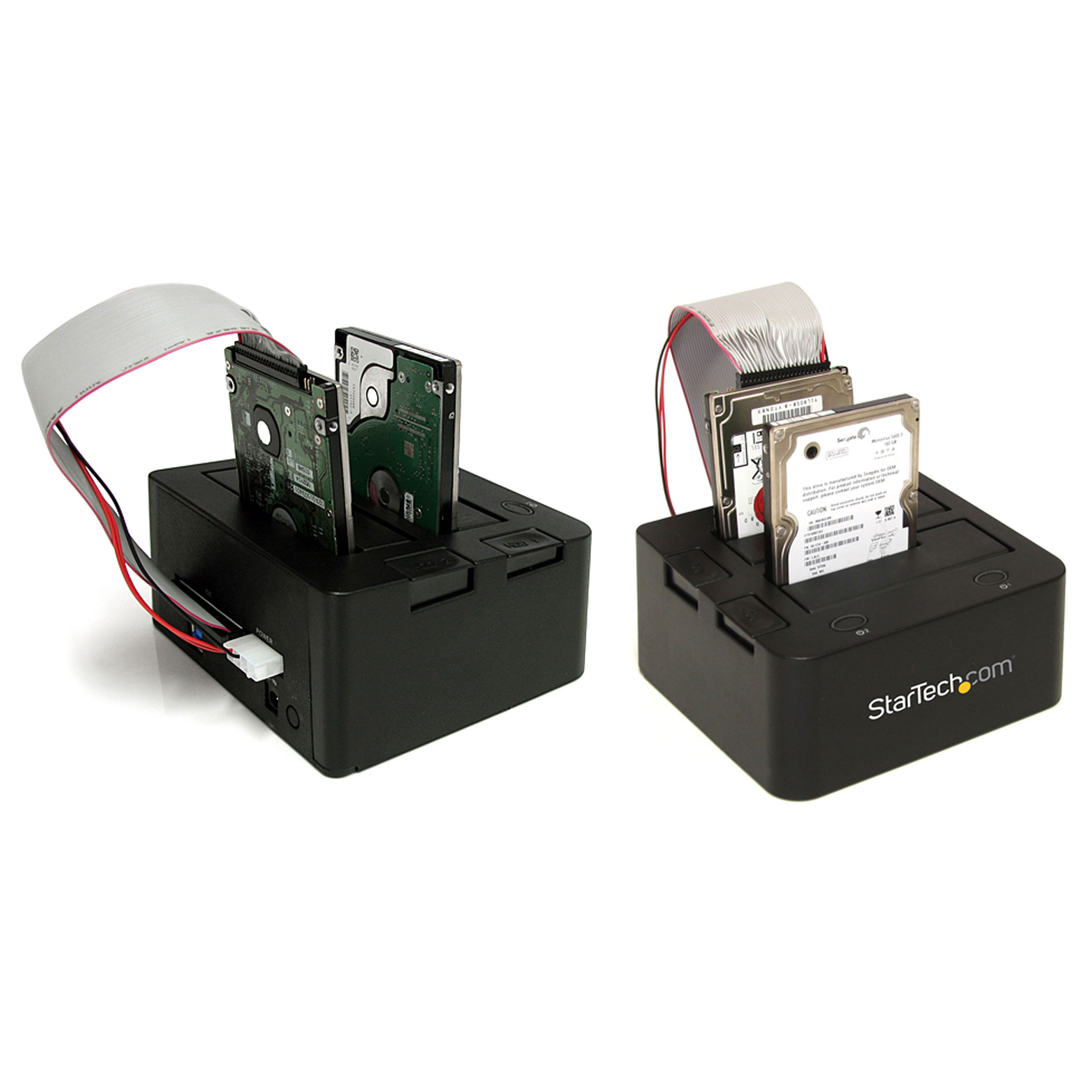
The slot-loading design holds the SATA and IDE drive(s) upright inside the docks, neatly keeping them off the desk, for convenience and a clutter-free setup. For SATA drives, the HDD can be inserted and connected directly through the designated dock slot, while the IDE drive slot is conveniently positioned near the rear panel 40-pin data and LP4 power connections, making it easy to connect to the dock using the included IDE data and power cables.
Connected to the host computer through a single USB 3.0 connection, both an IDE hard drive and a SATA hard drive (SATA, SATA II, SATA III) can be connected to the HDD dock simultaneously - a convenient solution for migrating data from an IDE drive to a SATA drive or vice versa, or simply harnessing fast and simple access to the contents on both hard drives. Large capacity drives (tested with up to 4TB 3.5" and 1TB 2.5" drives) can be used to greatly enhance your computer's storage/backup capabilities.
To ensure compatibility with your computer system, the UNIDOCK3U supports all of the leading operating systems, including: Microsoft Windows (8/7/Vista/XP/Server 2008/Server 2003), Apple OSX (10.9/10.8/10.7/10.6), Linux, and Google Chrome OS. |
|---|
| Applications | - Quick access to 2.5/3.5" drives, for data retrieval
- Transfer files directly between a SATA and IDE hard drive, without having to transfer to the host computer first, or use multiple devices
- Data recovery specialists who need quick access to drives for imaging
- Backup data quickly to an external drive for archiving
- Technicians who test or benchmark multiple hard drives
|
|---|
| Website Search Keyword | - 2.5in
- HDD Dock
- Hard Drive Dock
- 3.5in
- Mobile Hard Drive
- Desktop Hard Drive
- USB Dock
- IDE Hard Drive Dock
- Docking Station
- Universal HDD Dock
- IDE to SATA
- SuperSpeed USB 3.0
- HDD docking station cradle external hard drive storage system
|
|---|